To successfully execute the core mechanic of how to draw platforms Linebound style, the "Artist" player must use a high-DPI mouse to trace a continuous green line ahead of their partner's movement arc. By clicking and dragging across the living sketchbook interface, you instantiate solid ground in real-time. But drawing a static line isn't enough. Surviving this asymmetric co-op platformer requires predicting the "Sketch" player's momentum, mastering the physics of angled ramps, and establishing a ruthless communication shorthand.
This 2D indie hit, released by FutureBound on May 31, 2026, is a masterclass in engineered frustration. Developed by a seven-person team including Samuel Luecke and Oliver Svensson, Linebound hands one player a god-view of the level and a digital pencil, while trapping the other player on the ground as a fragile, hand-drawn runner. You cannot brute-force your way through its 18 hand-crafted pages. You have to learn the physics of the ink.
The Core Mechanic: How to Draw Platforms Linebound
The brilliance of Linebound lies in its forced perspective gap. The Artist operates from a macro perspective, looking down at the entire page of the living sketchbook. You see the exit, the hazards, and the overarching puzzle. Sketch, however, is trapped in the micro. They feel the gravity, the momentum, and the immediate danger of a missed jump. Neither role is the "main" character—the Artist is powerless without a runner to trigger the exit, and Sketch is literally paralyzed without ground to walk on.
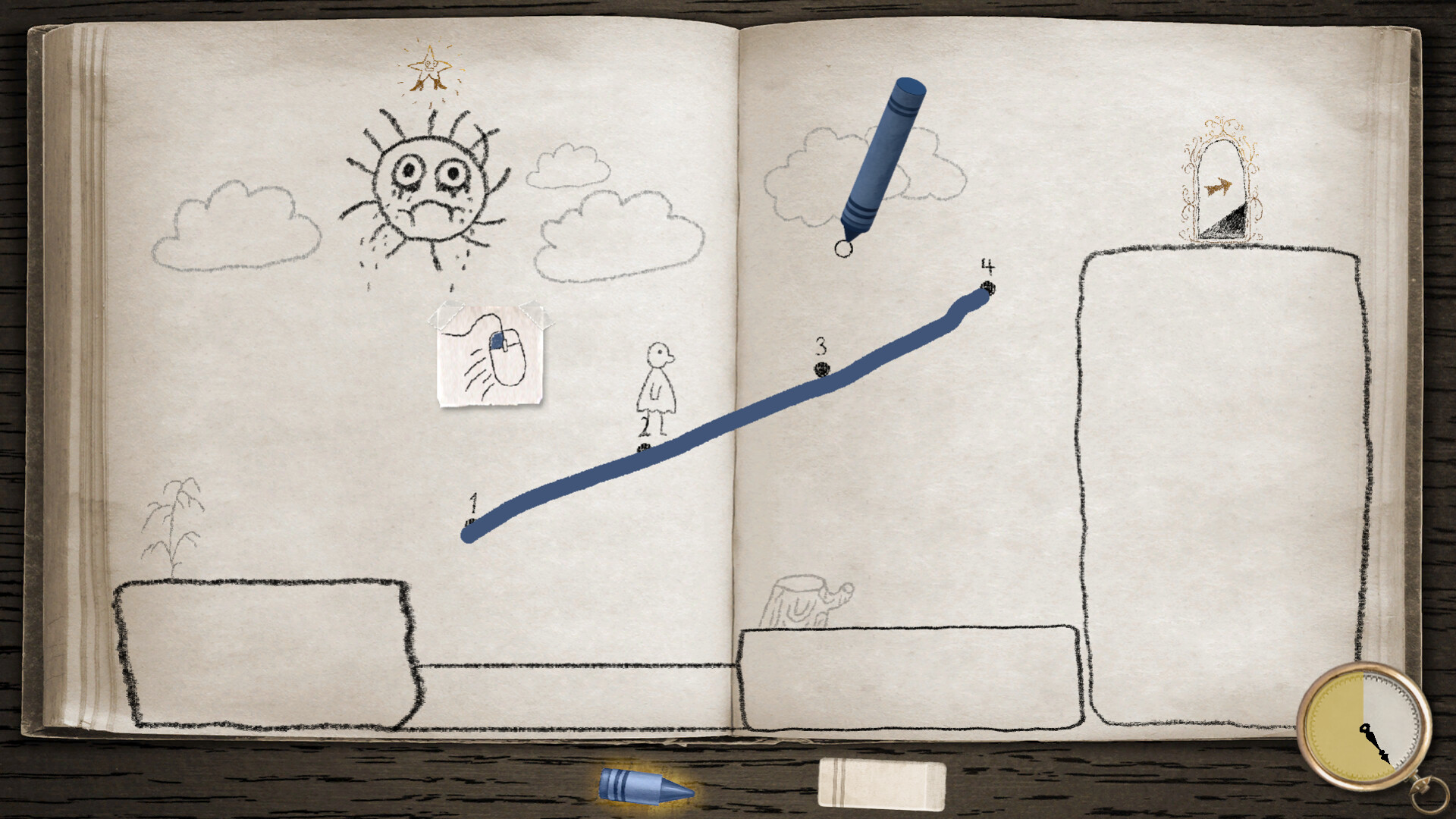
When you click and drag, the game generates a glowing green line that solidifies into a physical platform the moment you release the input. The longer you hold the click, the longer the platform, but this introduces a critical vulnerability: Sketch cannot land on a line while it is still being drawn. The platform only gains collision physics once the Artist finishes the stroke. This delay is the primary killer of new teams. You must draw ahead of Sketch's trajectory, not directly underneath them while they are falling.
Hardware Setup: The Input Debate
While the game technically supports dual controllers for local couch co-op, assigning the Artist role to an analog thumbstick is a recipe for disaster. An analog stick lacks the sweeping, instantaneous precision required to draw a curved ramp under a falling partner.
The optimal setup places Sketch on a standard gamepad—where platforming controls feel native and responsive—and the Artist on a high-DPI gaming mouse. A mouse allows the Artist to snap from one side of the screen to the other in milliseconds, a necessity for the later levels where multiple platforms must be drawn in rapid succession to juggle Sketch over wide hazard pits.
Physics and Momentum: How to Draw Platforms Linebound Like a Pro
Drawing a line is easy; drawing the right line is a mechanical art form. Linebound features a surprisingly robust physics engine governing friction and momentum. The angle at which you draw your platforms dictates exactly how Sketch will move.
To master the Artist role, you must memorize how Sketch interacts with three primary geometry types:
| Line Angle | Primary Function | Sketch's Momentum Effect | Best Use Case |
|---|---|---|---|
| 0° (Flat) | Safe Resting Point | Neutralizes speed | Catching a vertical fall; providing a breather. |
| 45° (Ramp) | Speed Generation | Accelerates downward, decelerates upward | Clearing wide gaps; building jump momentum. |
| 90° (Wall) | Hard Stop | Instantly halts forward movement | Blocking hazards; saving an over-jump. |
If Sketch is running toward a massive gap, drawing a flat line won't give them the speed necessary to clear it. You must draw a steep downward 45° ramp to build their momentum, followed immediately by a slight upward curve at the end to launch them into the air. Conversely, if Sketch carries too much momentum and is careening toward a hazard, drawing a quick 90° wall will stop them dead in their tracks.
Understanding friction is equally vital. The green line is not perfectly smooth. If you draw a jagged, erratic line, Sketch will bounce unpredictably, bleeding momentum with every micro-collision. Smooth, confident mouse strokes yield smooth, predictable platforming.
Navigating the 18 Hand-Crafted Pages
The game's campaign spans 18 distinct levels, each escalating the mechanical demands placed on the Artist.
In the early pages, the gaps are small and the hazards are static. You can afford to draw long, flat bridges and let Sketch casually jog to the exit. But by Page 10, the game introduces moving hazards and vertical drop sequences that require the Artist to draw under extreme time pressure. You will find yourself repeatedly catching Sketch mid-air, drawing tiny, split-second platforms just to break their fall before they plummet off the bottom of the page.
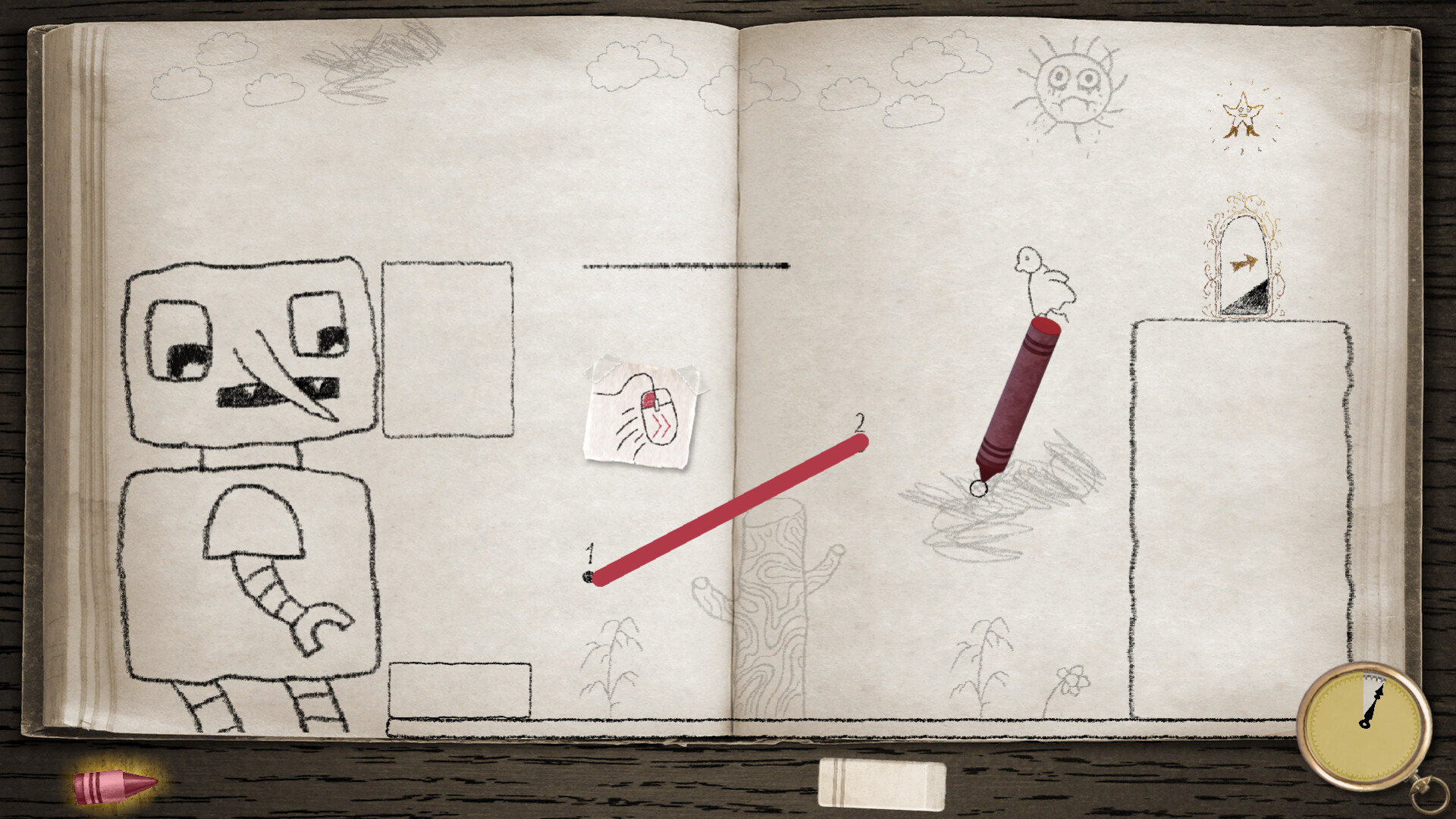
The later levels also strictly enforce spatial awareness. The sketchbook pages become cluttered with pre-drawn obstacles. If the Artist draws wildly, they will inadvertently block Sketch's path or trap them in an unwinnable corner. Precision becomes more important than speed. You must learn to draw just enough of a green line to support Sketch's hitbox, conserving screen space for the next maneuver.
Communication: The Secret to How to Draw Platforms Linebound Effectively
The biggest mistake co-op teams make is playing in silence. Because of the perspective gap, the Artist cannot read Sketch's mind, and Sketch cannot anticipate the Artist's mouse movements. Silence is a death sentence in Linebound.
To survive the back half of the game, you must establish a strict verbal shorthand:
- The "Jumping Now" Callout: Sketch must announce their jumps before leaving the ground. If Sketch jumps silently, the Artist's reaction time will inherently be too slow to draw a catching platform.
- The "Need a Ramp" Request: Sketch should dictate the geometry they need. If they lack the speed to clear a gap, they must verbally ask for a downward angle.
- The "Wait Here" Command: The Artist dictates the pacing. If the Artist needs time to construct complex geometry or reposition their mouse, they must command Sketch to hold their ground.
- The "Perfect Catch" Confirmation: Acknowledging a successful mid-air save builds team rhythm and resets the pacing for the next obstacle.
Linebound is less a traditional platformer and more a high-stakes conversation with jumping mechanics. The teams that struggle are almost always the teams that stop talking.
Advanced Techniques and the "Wall-Close" Exploit
As players have dug deeper into the game's physics engine since its May 2026 launch, a few advanced techniques—and outright exploits—have emerged in the community.
The most notable is the "Wall-Close Exploit," discovered by users on the Steam forums. The game's collision detection struggles when a drawn line intersects directly with Sketch's character model. If the Artist draws a 90° wall, closes the geometry around Sketch, and uses the green line to cover the character while rapidly clicking, the physics engine panics. It attempts to resolve the overlapping hitboxes by violently ejecting Sketch in the opposite direction.
While FutureBound may eventually patch this bug, speedrunners are currently using it to launch Sketch across entire pages, completely bypassing intended puzzle solutions. For casual players, however, attempting the Wall-Close Exploit usually results in Sketch being accidentally crushed or thrown into a hazard.
For legitimate advanced play, focus on the "Micro-Catch." Instead of trying to draw one massive platform to save a falling Sketch, draw a series of tiny, flat horizontal lines—just large enough for Sketch's feet to touch. This resets Sketch's jump state without cluttering the screen with massive ink trails, allowing Sketch to essentially double or triple-jump their way out of a pit.
Frequently Asked Questions (FAQ)
How do you start drawing in Linebound? The Artist player must click and hold the left mouse button (or the right trigger on a controller) to begin tracing the green line. The line only becomes a physical, walkable platform once you release the button. If your mouse clicks aren't registering, ensure the game window is the active focus and your input settings are correctly assigned to the asymmetric co-op layout in the main menu.
Is there an ink limit when drawing? Unlike mobile physics games that strictly limit your ink for a three-star rating, the PC version of Linebound does not have a hard ink meter. However, the screen space is limited. Drawing excessively long, chaotic lines will clutter the living sketchbook, blocking Sketch's path and making it impossible to navigate the later levels. Efficiency is still required.
Can you play Linebound single-player? Technically, no. It is explicitly designed as a local, asymmetric co-op game. While a highly coordinated player could theoretically try to hold a controller in one hand to move Sketch and a mouse in the other to draw platforms, the split-second multi-tasking required for anything past Page 3 makes it practically impossible.
How long does it take to beat the 18 levels? For a team communicating well, the 18 hand-crafted pages take roughly one to two hours to complete. However, teams that struggle to coordinate the Artist's drawing speed with Sketch's platforming momentum can easily spend hours stuck on the steep difficulty spikes of the final few pages.
Sources
- FutureBound Official Launch Notes (May 2026)
- Steam Community Forums: Linebound Bug Reports and Speedrunning Tactics
- Super Star Reviews: Linebound Co-Op Mechanics Breakdown
- IGDB Database: Linebound Developer Credits and Release Data