Image Enhancer
Enhance image quality with AI-powered upscaling
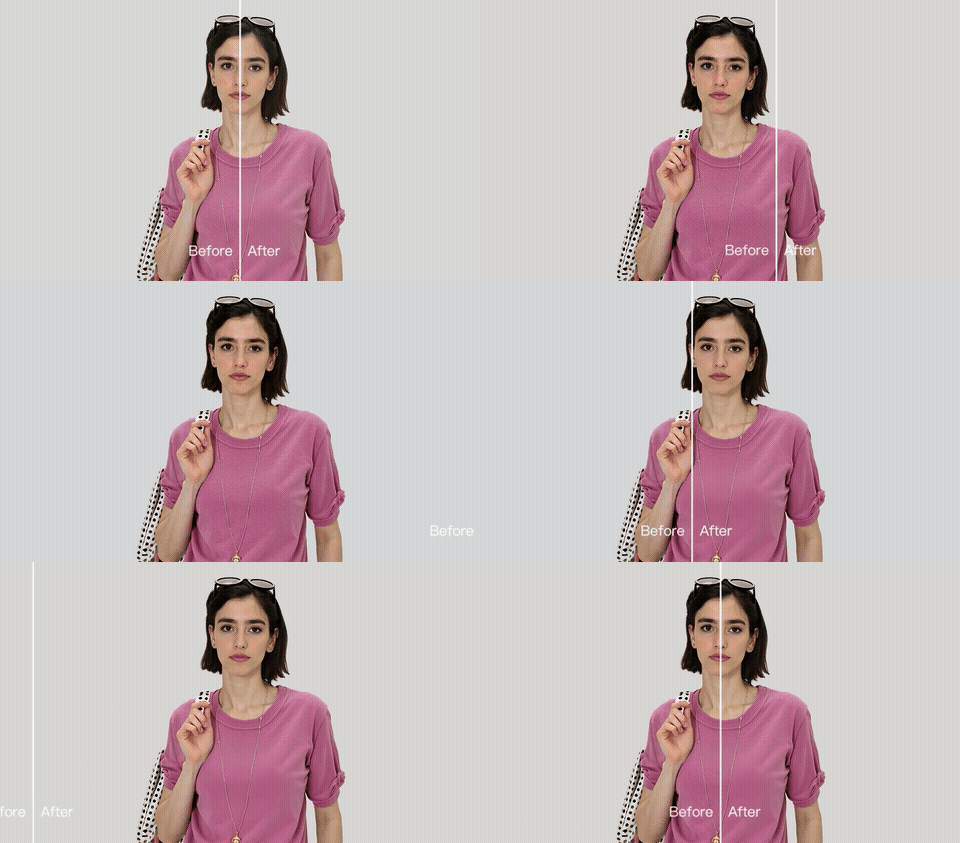
Upload an image
or drop a file, paste image or URL
Enhance your images with AI-powered upscaling
Transform low-resolution images into stunning high-quality assets with our advanced AI technology.
Detail Recovery
Our AI recovers lost details and textures, bringing clarity to blurry or pixelated images with remarkable precision.
Lossless Scaling
Scale images up to 8x their original size without losing quality. Perfect for printing, marketing, and professional use.
Print Ready
Create print-ready assets from web images. Upscale product photos, artwork, and graphics for large format printing.
Real results
Impact reported by our enterprise customers.
Sales Boost
Cost Reduction
Uplift
Compliance
How to enhance an image
Choose a photo
Upload your JPEG or PNG image. Select your desired upscale factor from 2x to 8x.
Let AI do the work
Our AI analyzes your image and intelligently upscales it while recovering lost details and textures.
Download your image
Download your enhanced high-resolution image in PNG format, ready for printing or digital use.
Frequently Asked Questions
Common questions about upscaling and enhancing photos with BgRemovit — limits, quality, supported formats and use cases.
How much can I upscale a photo without losing quality?
Our enhancer supports 2×, 4× and 8× upscaling. Up to 4× the AI hallucinates plausible high-frequency detail — skin pores, fabric weave, individual leaves — that simply isn't present in the original pixels. At 8× we recommend starting with at least a 1024×1024 source to keep results print-ready; very small inputs (< 300 px) work but may show painterly textures on close inspection.What's the difference between an upscaler and a sharpening filter?
Sharpening filters add local contrast around existing edges; they cannot create detail that was never captured. An AI upscaler is a generative model trained on millions of high-resolution photos — it predicts what the missing pixels should look like, so a blurry 480 px crop becomes a credible 2K image rather than just a sharper version of the same blur.Which file formats and sizes are supported?
JPG, PNG, WebP and HEIC are all supported up to 10 MB on the free tier. Output is delivered as a high-quality PNG or JPG depending on your source, with optional Lanczos downsampling if you need a specific final dimension. Transparent PNGs preserve their alpha channel through the upscaling pipeline.Will it fix blur, noise and JPEG compression artifacts?
Yes. The model is trained jointly on denoising, deblurring and JPEG-restoration tasks, so it cleans up most heavy compression, mild motion blur and ISO grain in a single pass. For severe motion blur or extreme low-light noise the result is best-effort — try uploading the largest version of the file you have.Can I use enhanced images in commercial projects?
Yes. You retain full ownership and commercial rights to anything you upload and enhance. Common uses include print-on-demand merchandise, Amazon and Shopify product listings, magazine and book layouts, event posters, and restoring old family photos for prints.Are my uploaded images private?
All uploads are processed over HTTPS and stored on encrypted volumes. Files are automatically purged within 24 hours and we never use customer images for model training. If you need stricter retention (instant deletion, on-prem processing) for enterprise workloads, contact support.
Explore More AI Tools
Pair this tool with the rest of the BgRemovit toolkit to ship higher-quality work in less time.
AI Image Expander
Outpaint any photo into 1:1, 9:16, 16:9 and more — perfect for ads & social.
Old Photo Restoration
Repair scratches, fade and tears, then colorize black-and-white photos.
AI Background Remover
Remove backgrounds from images in one click — transparent PNG, ready to use.