Wondering how to pose Meccha Chameleon to consistently win rounds? The secret to surviving in lemorion_1224’s breakout hide-and-seek hit isn’t just about having great artistic skills with the paint tool—it is about locking the perfect physical stance. In a multiplayer game where over two million players are learning to camouflage their plain white avatars into background geometry, a flawless paint job means absolutely nothing if your character's elbow is sticking out of a bookshelf.

This guide breaks down the exact mechanics, PC keybinds, and professional hiding strategies you need to master your shape, utilize the environment, and outsmart the seekers before the preparation timer runs out.
Why Learning How to Pose Meccha Chameleon Matters
In Meccha Chameleon, successful hiders operate on what the community calls the "Rule of Three": location, paint quality, and pose geometry. While the in-game eyedropper tool makes color-matching relatively easy, the posing system is what separates the beginners from the uncatchable veterans.
Seekers in the game operate on a simple visual principle: they hunt for shapes, not just colors. Human eyes are naturally drawn to silhouettes that break the expected geometry of an object. If you paint yourself perfectly to match a green crate in the Indoor Country map, but leave your character standing upright so your head peeks over the top edge, you will be tagged in seconds.
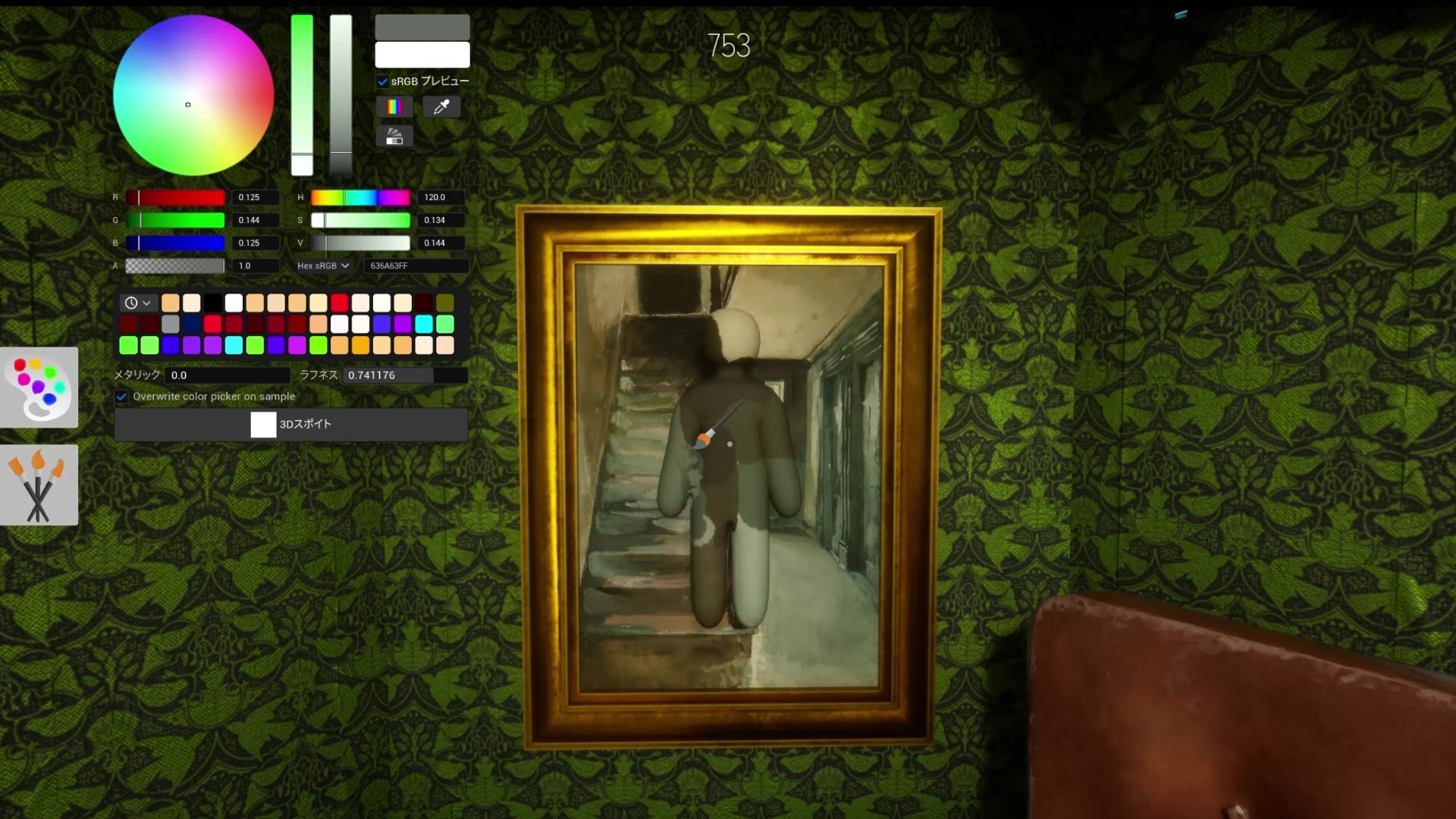
Learning how to pose Meccha Chameleon effectively means understanding how to collapse your character's 3D hitbox so that your limbs do not cross the surface edges of the props you are mimicking. A perfect color match in a bad pose will always get caught, but an average paint job in a flawless, edge-aligned pose can survive the entire round.
How Seekers Exploit Bad Poses
To understand how to hide, you must first understand how seekers look for you. When a seeker enters a room in the Hide-and-Seek Mansion or the Penguin Hotel, they are not meticulously checking every pixel of color. Instead, they are doing rapid visual sweeps looking for three tell-tale signs of a hider who failed to pose correctly:
- Edge Clipping: When a hider's knee or shoulder extends past the sharp 90-degree angle of a wall or a piece of furniture.
- Unnatural Shadows: Every 3D model in the game casts a dynamic shadow. If you stand flat against a brightly lit wall without crouching or flattening your stance, your body will cast a shadow that a flat wall shouldn't have.
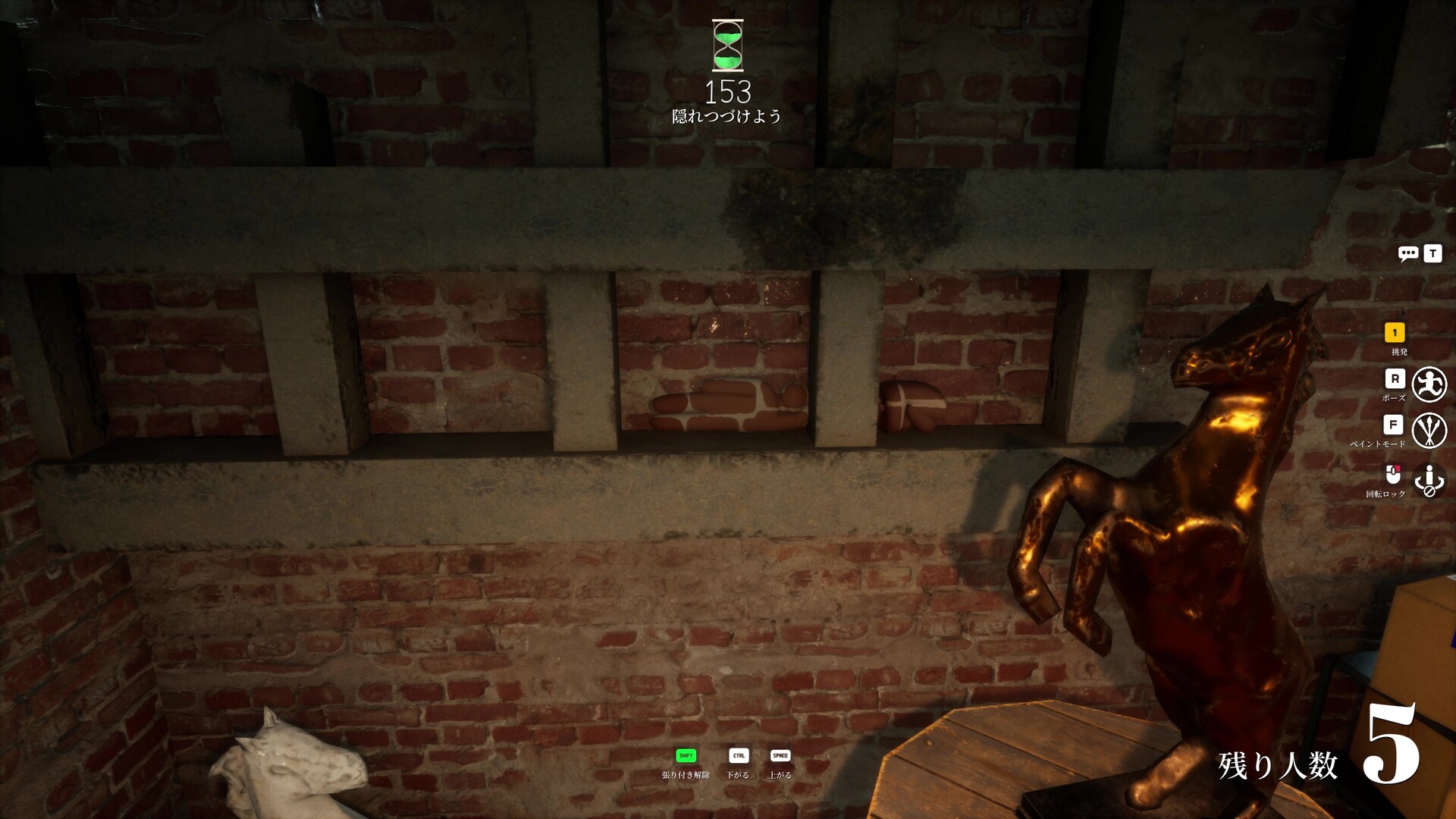
- Floating Geometry: Hiders who attempt to stick to the ceiling but fail to adjust their height properly will appear to be hovering a few inches below the plaster, immediately giving away their position.
If you don't master your physical placement, you become a beacon for experienced seekers. The key is to make your 3D model behave like a 2D texture.
The Controls: Exactly How to Pose Meccha Chameleon
Because the game currently lacks official controller support on PC, mastering the keyboard binds during the short preparation phase is critical. You only have a few frantic seconds to find a spot, stick to it, strike a pose, and start painting before the seekers are released.
Here is the exact sequence of controls for how to pose Meccha Chameleon:
- Find your surface: Walk up to a wall, floor, or object using the W A S D keys.
- Cycle your stance: Press the 'R' key to cycle through the available character poses. These include laying flat, curling into a ball, and standing flat against a surface.
- Adjust elevation: If you are stuck to a vertical surface (like the tall pillars in the Hide-and-Seek Mansion), use Space to move your character up and Ctrl to lower yourself.
- Crouch for low cover: Press Ctrl while on the ground to enter a crouch state, which is perfect for hiding behind small props.
- Lock it in: Once you are satisfied with your silhouette, press 'F' to open the paint tool. This locks your character in place so you don't accidentally wobble out of alignment while applying colors.
- Bail out: If the spot isn't working and you need to abort, press Shift to release your wall-stick and run to a new location.
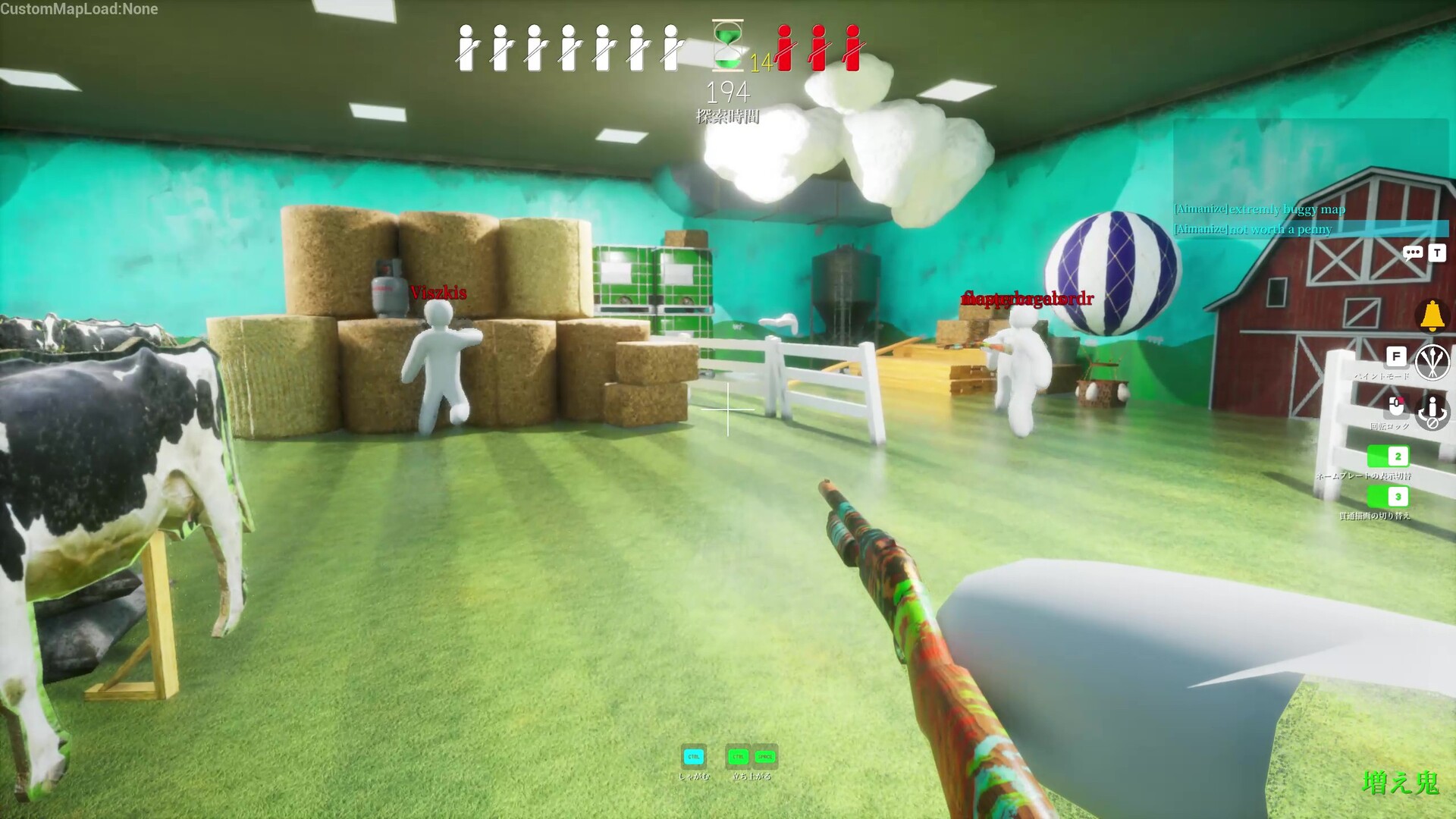
Top Stances and Where to Use Them
Knowing the controls is only half the battle; knowing when to use each stance is where map knowledge comes into play. You need to match your body shape to the specific environment you are in.
The Flat Lay (Floor / Wall Stick)
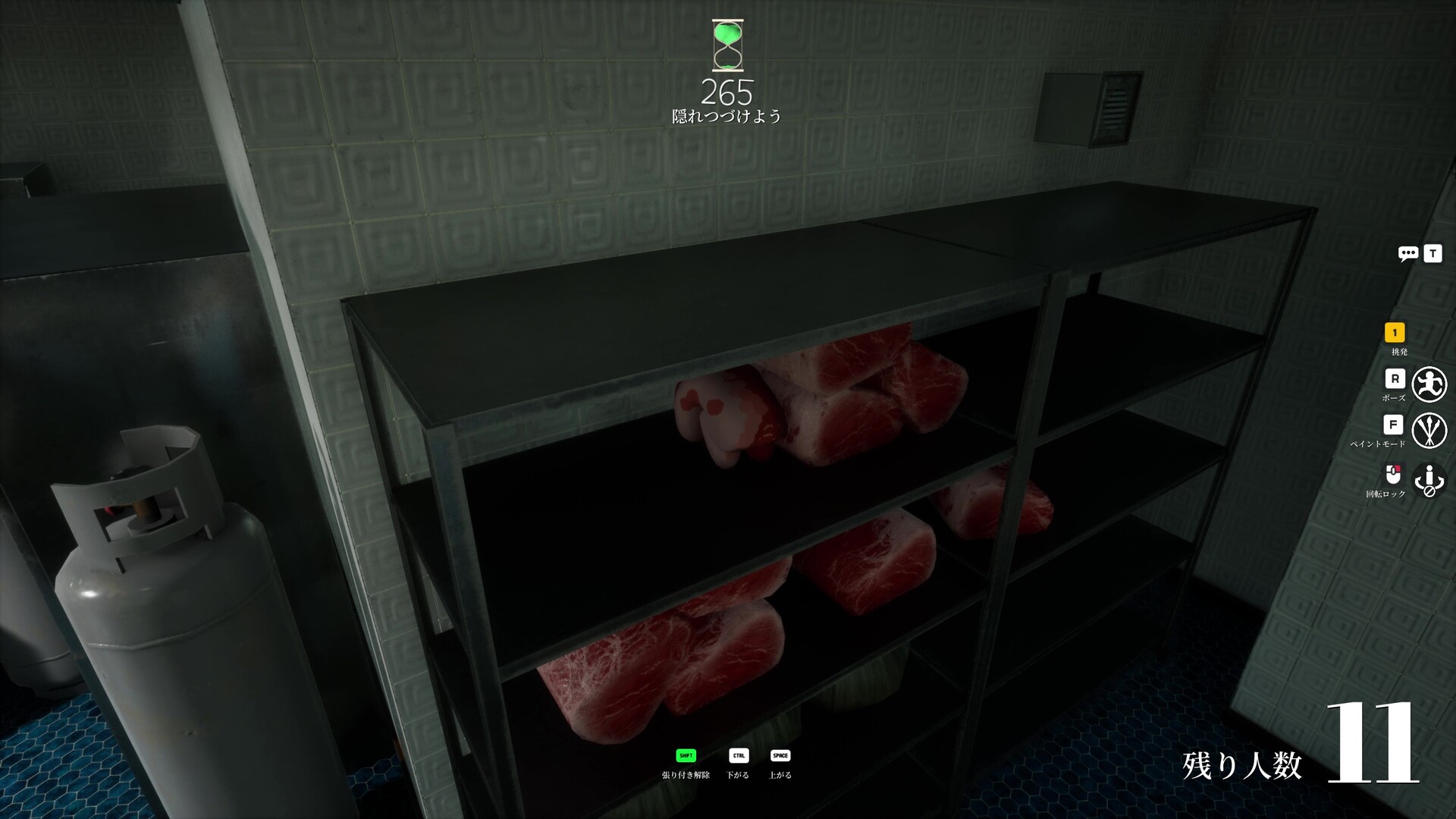
This pose flattens your avatar completely against the assigned surface. It is incredibly effective in the Backrooms map, where you can lay flat on the floor and paint yourself to match the carpet texture. It also works brilliantly behind the luggage in the Hide-and-Seek Mansion—lay on your side and paint yourself dark to blend into the shadows under the tables.
The Curled Ball
By pressing 'R' until your character tucks their knees in, you create a compact, square-like shape. This is the optimal pose for the green crates or the hay bales in the Indoor Country map. It is also the only way to successfully hide on the kitchen shelves in the Mansion map without your legs dangling dangerously off the edge.
The Crouched Book
Using the crouch key (Ctrl) in the Mansion's Library allows you to wedge yourself tightly between the bookshelves. If you paint vertical lines down your back using the brush, you can perfectly mimic a stack of oversized books.
The Ceiling Cling
Yes, you can pose on the ceiling. By walking up the large pillars in the Mansion's main room and using the height adjustment keys (Space/Ctrl), you can attach yourself to the ceiling geometry. Because most seekers rarely look straight up, this remains one of the highest win-rate spots in the entire game.
Advanced Tactics: How to Pose Meccha Chameleon Like a Pro
Once you have the basics down, you can start manipulating lighting and perspective to make your camouflage unbreakable.
Shadow Merging As mentioned earlier, your character's 3D model will cast a slight shadow, giving you away even if your paint is a 100% match. To counter this, pose in corners or under ledges where the game's lighting engine already creates natural, heavy shadows. The Sewer map is excellent for this; hiding near the dark edges of the pipes masks your model's depth.
Edge Alignment Never let a curved limb break a straight line. If you are hiding against a rectangular poster or a door frame, use a stiff, straight pose and align your character's spine perfectly with the edge of the frame. Seekers scanning the room will see a straight line and their brains will naturally ignore you, assuming you are just part of the architecture.
The Decoy Pose Sometimes the best way to hide is to look like something else entirely. Players have won rounds in the Sewer map by posing on top of the red barrels, curling into a ball, and painting themselves silver to look like a metallic pipe fitting. The pose sells the illusion just as much as the paint does.
FAQ: People Also Ask About How to Pose Meccha Chameleon
Can you make custom poses in Meccha Chameleon? Currently, no. Players must use the preset poses by pressing the 'R' key. While the community has heavily requested manual joint contortion on the Steam forums to allow for even crazier hiding spots, the developer (lemorion_1224) has kept the fixed poses to maintain the game's balance and prevent players from glitching into walls.
How do I stop my character from moving while painting? Your pose is automatically locked the moment you press 'F' to open the paint tool. Make sure your positioning is absolutely perfect before hitting the paint key, as adjusting your pose later will force you to close the menu and realign your camera, wasting precious seconds of the prep timer.
Can I play with a controller? The game is officially keyboard and mouse only. If you want to use a controller or play on a Steam Deck, you will need to map WASD to the left thumbstick and manually bind 'R' (pose) and 'F' (paint) to the face buttons through Steam Input.
Why do my colors look slightly off even when I use the eyedropper? This usually happens because of the angle of your pose relative to the game's light source. If you are laying flat on a surface but angled slightly away from the room's main light, your paint will render darker than the wall behind you. Always try to pose flush against the surface.
Sources
- Steam Community: Official MECCHA CHAMELEON player discussions and control guides.
- PC Gamer: "Meccha Chameleon lives up to the hype as the next great party game" (June 2026).
- Reddit (r/IndieDev): Developer insights and mechanic breakdowns for lemorion_1224's hit.
- YouTube: Map breakdowns and hiding spot tutorials from creators like FlipBrosGaming and CaseOh.