To master the game's new customization tools, you need to know exactly how to use editor Cricket Captain 2026 to modify database files before launching your save. Simply open the in-game editor menu, select the Player, Kit, or Emblem tool, adjust your chosen attributes—such as match type retirements or domestic squad rosters—and save the profile to apply it to a new career.
With the June 18, 2026 release of the latest installment from Childish Things, the franchise has delivered its most significant database expansion in a decade. The addition of 45 new playable domestic teams across Afghanistan, Bangladesh, Ireland, Sri Lanka, and Zimbabwe fundamentally changes the scale of the game. For players who prefer long-term rebuilds or creating custom international dynasties, mastering the expanded editor suite is no longer optional; it is the core of the experience.
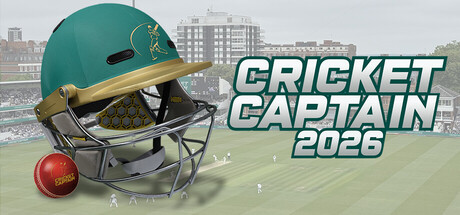
This year, the developer has decoupled the customization tools into specific modules: the Player Editor, the Kit Editor, the Team Emblem Editor, and the Competition Logo Editor. Understanding how these systems interact with the game's new 64-bit architecture on Steam will dictate whether your custom franchise thrives or your save file corrupts.
Understanding the 2026 Database Expansion
The sheer volume of new data in Cricket Captain 2026 is staggering. By integrating five complete domestic systems, the game now simulates thousands of background matches and generates hundreds of new youth players (regens) every in-game season.
While the match engine has received highly requested visual polish—including smoother shot lines, improved boundary rope anti-aliasing, and crucial fixes to batsman positioning in Hawkeye—the underlying simulation relies entirely on the database attributes. If a newly added domestic league in Zimbabwe has skewed financial data or unbalanced player generation, the AI will struggle to build competitive squads by year three of your save.
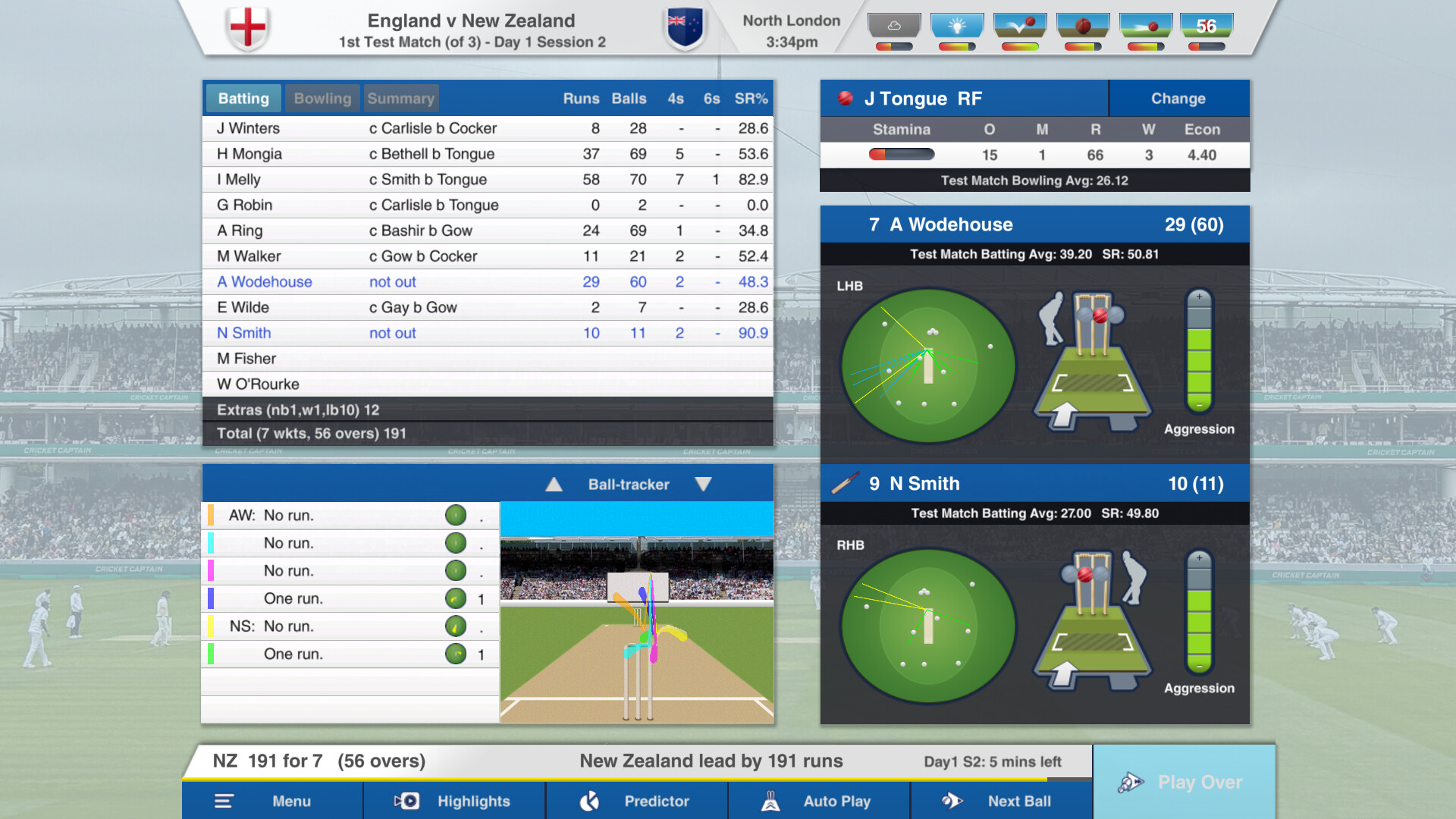
This is where the editor suite becomes your ultimate sandbox. Rather than waiting for community stat packs or official patches to rebalance obscure domestic leagues, you can take control of the simulation parameters yourself. The tools provided this year are robust enough to alter everything from a veteran spinner's format preferences to the primary color of an Irish provincial team's T20 kit.
Step-by-Step: How to Use Editor Cricket Captain 2026 for Player Stats
The Player Editor is the most powerful tool in the suite, and it has received a massive upgrade this year with the introduction of granular retirement controls.
To begin modifying a player, navigate to the team squad screen and select the editor icon. You will be presented with a comprehensive breakdown of the player's underlying attributes. While batting averages and bowling strike rates are visible, the editor allows you to tweak the hidden mechanics that dictate simulation behavior:
- Batting Aggression: This determines how quickly a player attempts to score in limited-overs formats. Adjusting this is vital if you find a real-world T20 specialist playing too defensively in the game's engine.
- Bowling Accuracy: Modifying this stat directly impacts a bowler's economy rate during powerplays.
- Match Type Retirements: This is the headline feature of the 2026 Player Editor. Previously, players retired across all formats simultaneously. Now, you can force an aging fast bowler to retire from First-Class matches to prolong their T20 franchise career, or restrict a young prospect entirely to red-ball cricket.
- Salary Adjustments: Essential for lower-tier domestic rebuilds. If your newly promoted Sri Lankan provincial side is instantly bankrupted by standard contract demands, you can manually adjust player salaries to reflect the reality of smaller cricket boards.
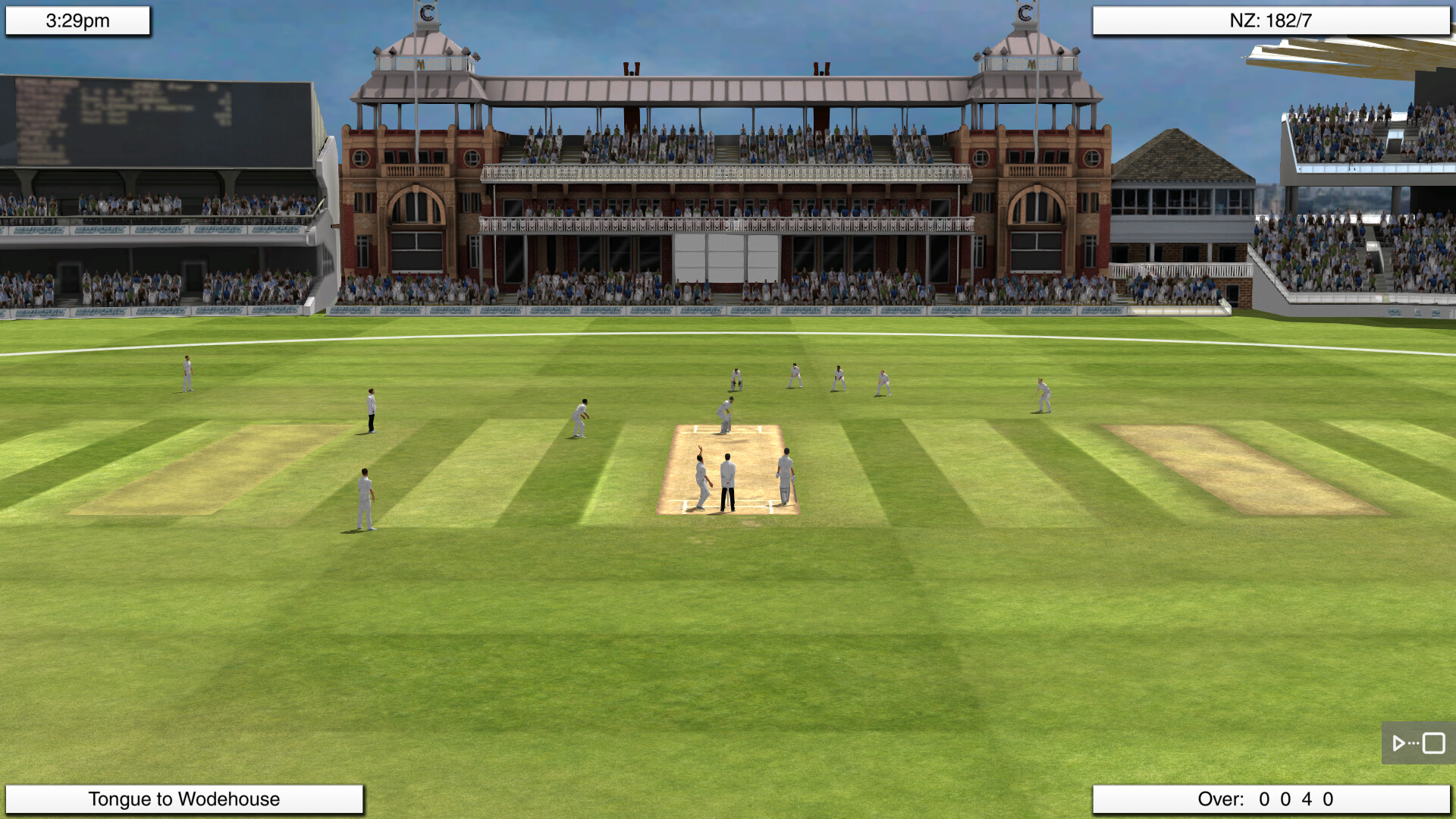
When adjusting these stats, remember that the game calculates performance based on a combination of these hidden attributes and your in-match tactical inputs. Giving a player maximum aggression will not guarantee centuries if you constantly instruct them to slog on a deteriorating day-four pitch.
Visual Upgrades: How to Use Editor Cricket Captain 2026 to Customize Kits and Emblems
For the first time, visual customization is a first-class feature. The Kit Editor, Team Emblem Editor, and Competition Logo Editor allow you to completely rebrand the 45 new domestic teams or update existing franchises to reflect real-world sponsorship changes.
The Kit Editor interfaces directly with the upgraded 3D highlights engine. In previous versions, custom kits often looked muddy, and player models suffered from clipping issues. Cricket Captain 2026 has resolved the notorious bug where batsman trousers clipped through their pads, and fixed the camera zoom glitch.
To redesign a team's look:
- Open the Kit Editor from the main customization menu.
- Select the format (First-Class, List A, or T20).
- Modify the primary, secondary, and trim colors.
- Apply the changes. Because of the new 64-bit architecture, these textures load instantly into the 3D match engine without the lag spikes seen in the 2025 edition.
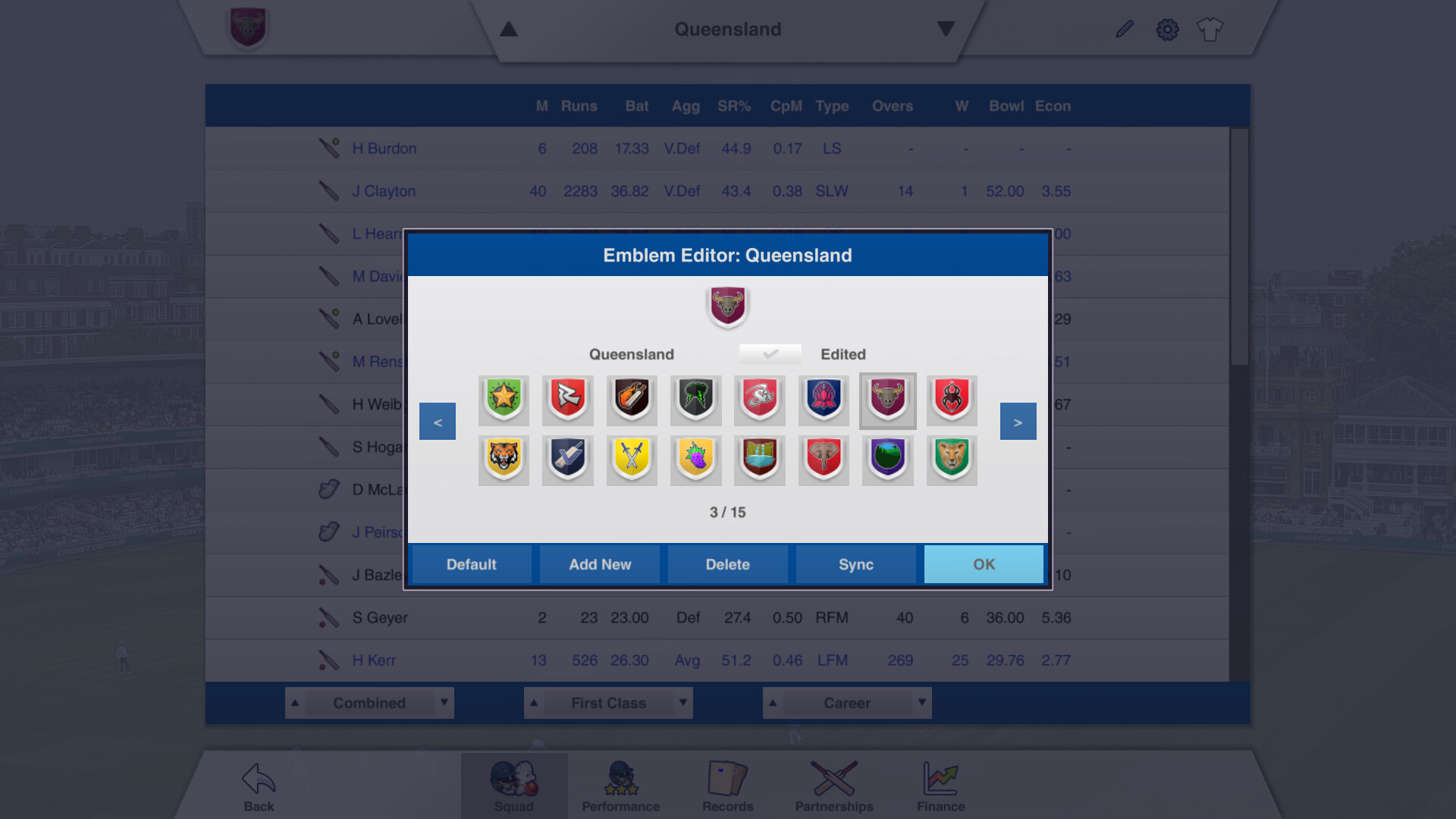
Similarly, the Emblem and Competition Logo editors allow you to import custom PNG files. If you are running a custom league or want to inject authentic tournament branding into the new Afghanistan or Bangladesh domestic systems, simply drop your formatted images into the game's designated local folder and assign them via the editor UI.
Balancing the New Domestic Systems
The addition of five new domestic leagues offers incredible rebuild potential, but it also requires active management if you want a deeply realistic 20-year save. The AI squad building can occasionally produce quirks in newly implemented systems.
For instance, if you notice that the Irish inter-provincial championship is generating an excess of medium-pace bowlers and a drought of wrist spinners, you can use the Player Editor to intervene. By altering the bowling style of newly generated youth players, you maintain the ecological balance of the game's database.
Furthermore, you can use the editor to craft specific narrative scenarios. Want to simulate a reality where a retired international legend returns to play in the Zimbabwean domestic league? You can edit their age, reset their retirement status, and assign them to a new squad before starting your career. The editor transforms Cricket Captain from a strict management simulator into a dynamic storytelling engine.
Troubleshooting: How to Use Editor Cricket Captain 2026 When Changes Don't Apply
The most common frustration voiced on forums like r/CricketCaptain is that editor changes fail to appear in the game. If your modifications are not reflecting, you are almost certainly experiencing an import/save mismatch.
Cricket Captain 2026 handles database files differently depending on the state of your game:
- Base Database Edits: If you edit team rosters, competition structures, or player generation rules in the main menu editor, these changes will only apply when you start a brand-new career. They will not retroactively alter an existing save file.
- In-Save Edits: If you are using an in-game editor tool to adjust a player's stats mid-career, you must ensure you are advancing the timeline. Contract changes and match type retirements often require the game to tick over to the next season or the next contract renewal phase before the UI updates.
If the editor software itself refuses to load or crashes to the desktop, the issue is likely tied to the game's transition to a strict 64-bit architecture. Ensure your Windows environment is up to date. The fastest fix is to open Steam, right-click Cricket Captain 2026, select Properties, and click "Verify integrity of game files." If that fails, manually reinstall the latest Microsoft Visual C++ Redistributables and .NET runtime, as the external editor modules rely heavily on these frameworks to render their UI.
Frequently Asked Questions
Can I use the editor to change player stats mid-career? Yes, but with limitations. While you can adjust hidden attributes like aggression or bowling accuracy during an active save, structural changes—such as moving a player to a different domestic team without a formal transfer—often require starting a new game to avoid corrupting the league tables.
Is the Cricket Captain 2026 editor available on mobile devices? Historically, the most complex database editing tools are restricted to the PC (Steam) version due to file system access. While the mobile versions (iOS/Android) feature standard team selection and tactical plans, deep database modification via the Kit and Logo editors requires the desktop environment.
Why is my editor showing a blank screen on launch? This is usually a caching error or a missing prerequisite. Clear the editor cache located in your local AppData folder, verify your game files on Steam, and ensure your PC meets the 64-bit operating system requirement.
Can I edit the match engine behaviors directly? No. The editor allows you to modify the database inputs (player stats, pitch preferences, weather probabilities) that feed into the match engine, but you cannot alter the core physics or the AI's tactical logic directly.
Sources
- Childish Things Official Forums: Cricket Captain 2026 Release Notes & Database Updates.
- Steam Store: Cricket Captain 2026 64-bit Architecture and System Requirements.
- r/CricketCaptain Reddit Community: Editor Troubleshooting and Domestic League Rebuild Strategies.