You’ve survived the brutal dieselpunk dunes, filled your Trampler’s cargo holds with high-tier artifacts, and dodged rival cannons in an alternate 1910 timeline. But none of that matters if you don't know how to find and secure extraction points planet of Sophie. SAND: Raiders of Sophie is an unforgiving PvPvE extraction shooter where the Austro-Hungarian Empire's space colonization efforts have left behind a dried-out, hostile world.
Securing your haul requires more than just firepower; it demands a flawless understanding of the extraction loop. You must locate the correct map icons, park your mobile fortress inside the pickup zone, climb the radio tower on foot, and survive a grueling two-minute defense phase while your mech emits a massive green smoke beacon. Here is the definitive guide to outlasting the competition and securing your hard-earned loot.

Locating Extraction Points Planet of Sophie: Map Guide
Visibility and timing are everything when scouting for an exit. You won't find extraction zones labeled with massive, glowing text. Instead, you must rely on subtle UI cues and an understanding of the game's two primary modes.
When searching for extraction points planet of Sophie veterans know to look for specific, unnamed map icons resembling a door with an exit arrow (or occasionally marked by red light towers). However, their availability depends entirely on the game mode you selected in the hangar:
- Voyage Mode (Persistent Open World): In this lower-stakes mode, extraction zones are generally persistent and available across multiple locations on the map. You can test your Trampler builds, scavenge lower-tier items at your own pace, and extract whenever your cargo holds are full.
- Storm Dive Mode (Battle Royale Style): This high-stakes mode features a shrinking sandstorm that forces players closer together. Do not bother looking for exits when you first drop in. The extraction icons stay hidden at the start of the match. They only appear late in the game after a few storm contractions. You must survive the initial PvP encounters and supernatural Upior attacks before the game grants you a way out.
When you get within proximity of an active zone, the UI will display a "CALL FOR EVACUATION" prompt. Never rush the closest exit blindly; pick your spot based on sightlines, the density of nearby shipwrecks, and the likelihood of enemy Tramplers camping the perimeter.
Step-by-Step: How to Activate Extraction Points Planet of Sophie
Finding the exit is only the first phase. The actual mechanical process of leaving the server is highly specific and leaves you highly vulnerable. Follow this exact sequence to ensure your loot makes it back to orbit.
1. Park Your Trampler Correctly Drive your Trampler directly into the designated pickup area. You will know your walking base is properly positioned when a small ribbon appears on the left side of your screen stating "reach the radio." If you do not see this prompt, your extraction button will remain greyed out, and the ship will not take your mech.
2. Secure Your Cargo Items left loose on the deck floor will not extract. Ensure every piece of loot—especially high-value Black Boxes and green radio beacons—is properly slotted into boxes, on shelves, or inside your Trampler’s internal cargo holds. Anything not bolted down or in your personal character inventory is forfeit.
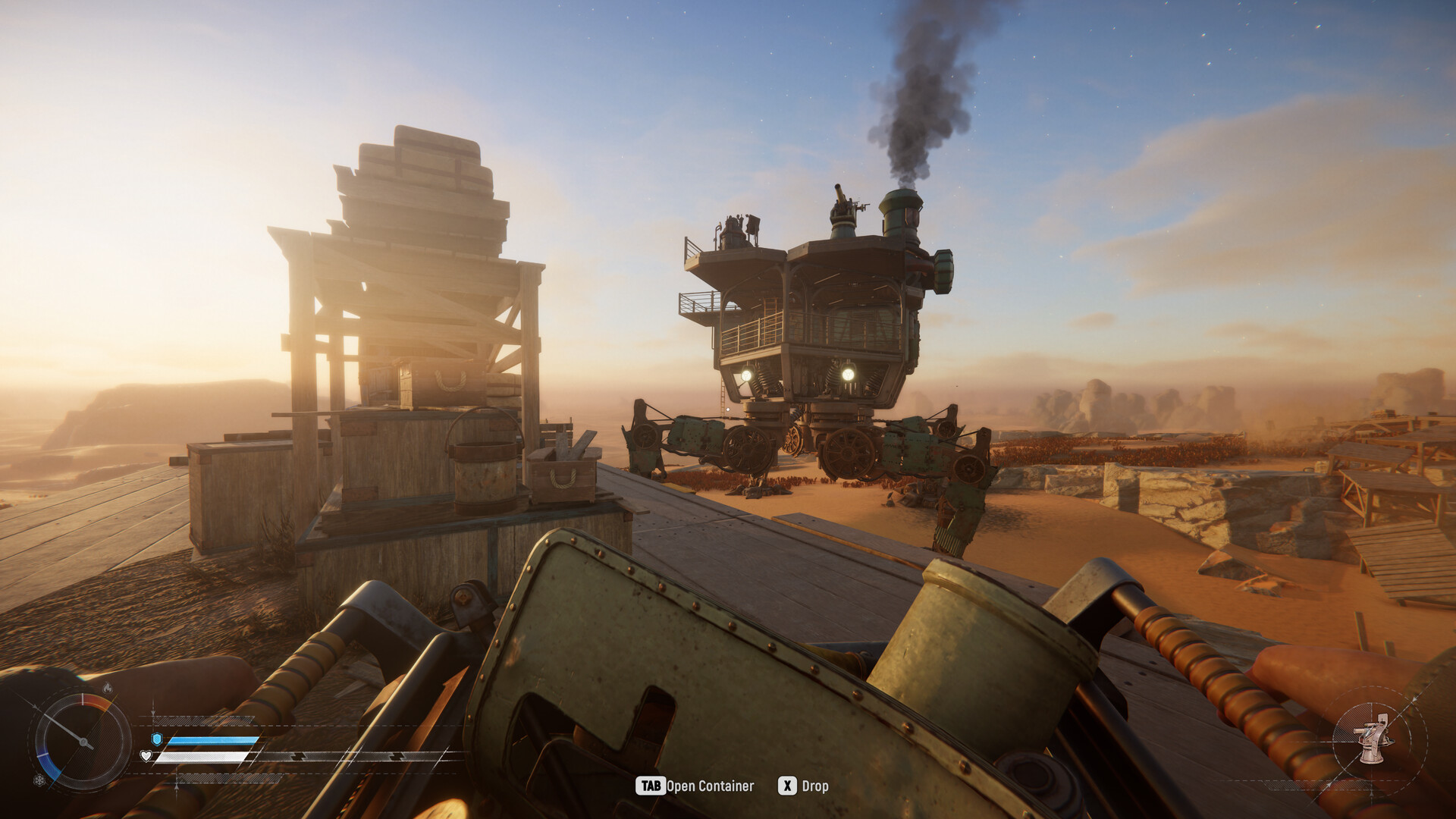
3. Climb the Radio Mast Leave the safety of your Trampler and proceed on foot. Every extraction site features a tall mast or radio tower. You must physically climb this tower to reach the radio terminal at the top.
4. Make the Call and Board Press the "F" key on the terminal to initiate the extraction sequence. This action is not instantaneous. Once the extractor aircraft arrives, it will drop a thick rope from its front hatch. You must climb this dangling rope to complete the extraction. The sequence only ends once you are physically on the rope.
Defending Extraction Points Planet of Sophie from Rival Crews
The moment you press that radio button, a two-minute timer begins. Simultaneously, your Trampler will begin emitting a massive plume of green smoke. This beacon alerts every rival scavenger in the sector that you are trying to leave with a full hold.
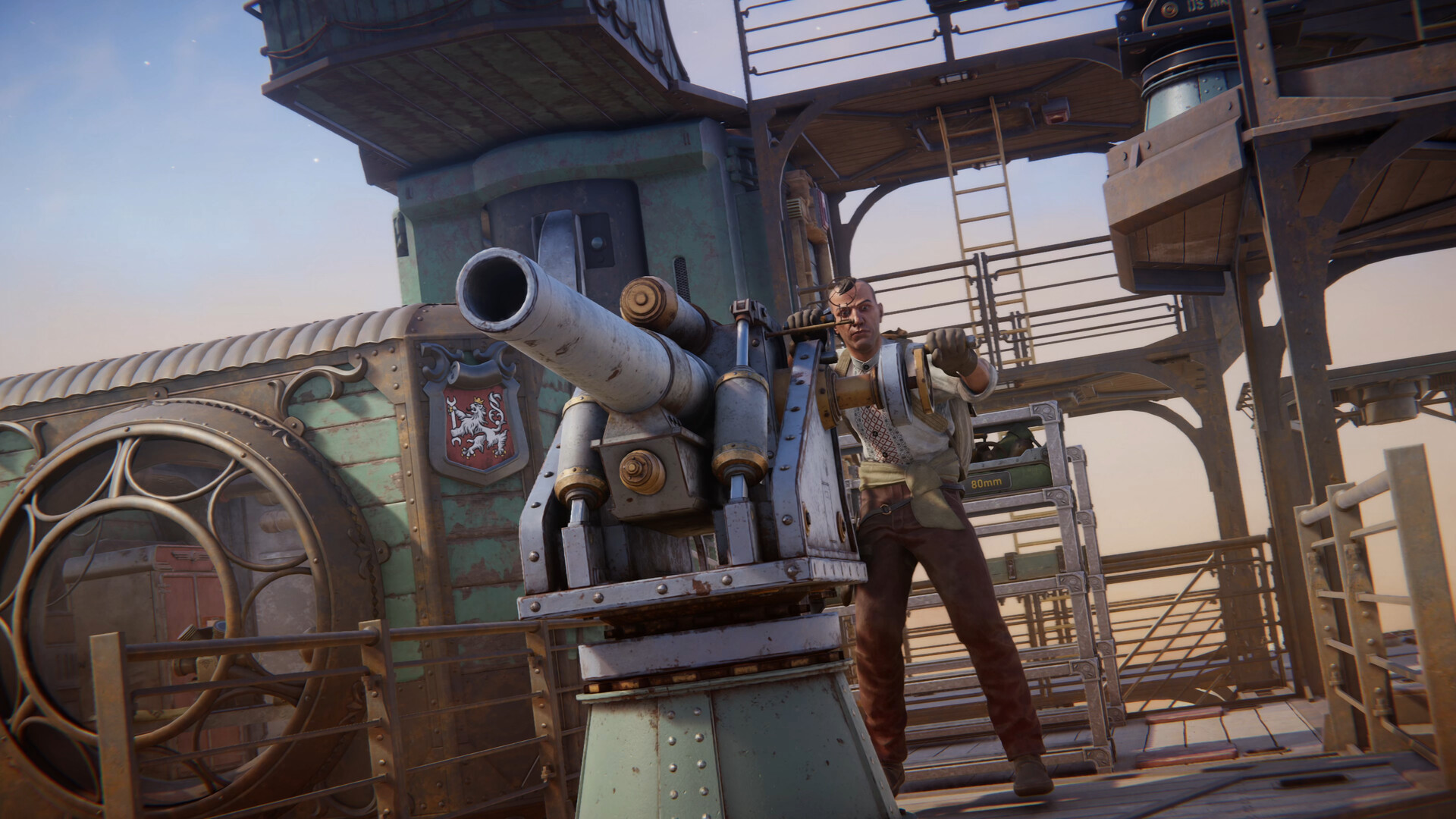
Surviving this 120-second window separates the wealthy from the dead. Apply these Trampler defense strategies during live raids:
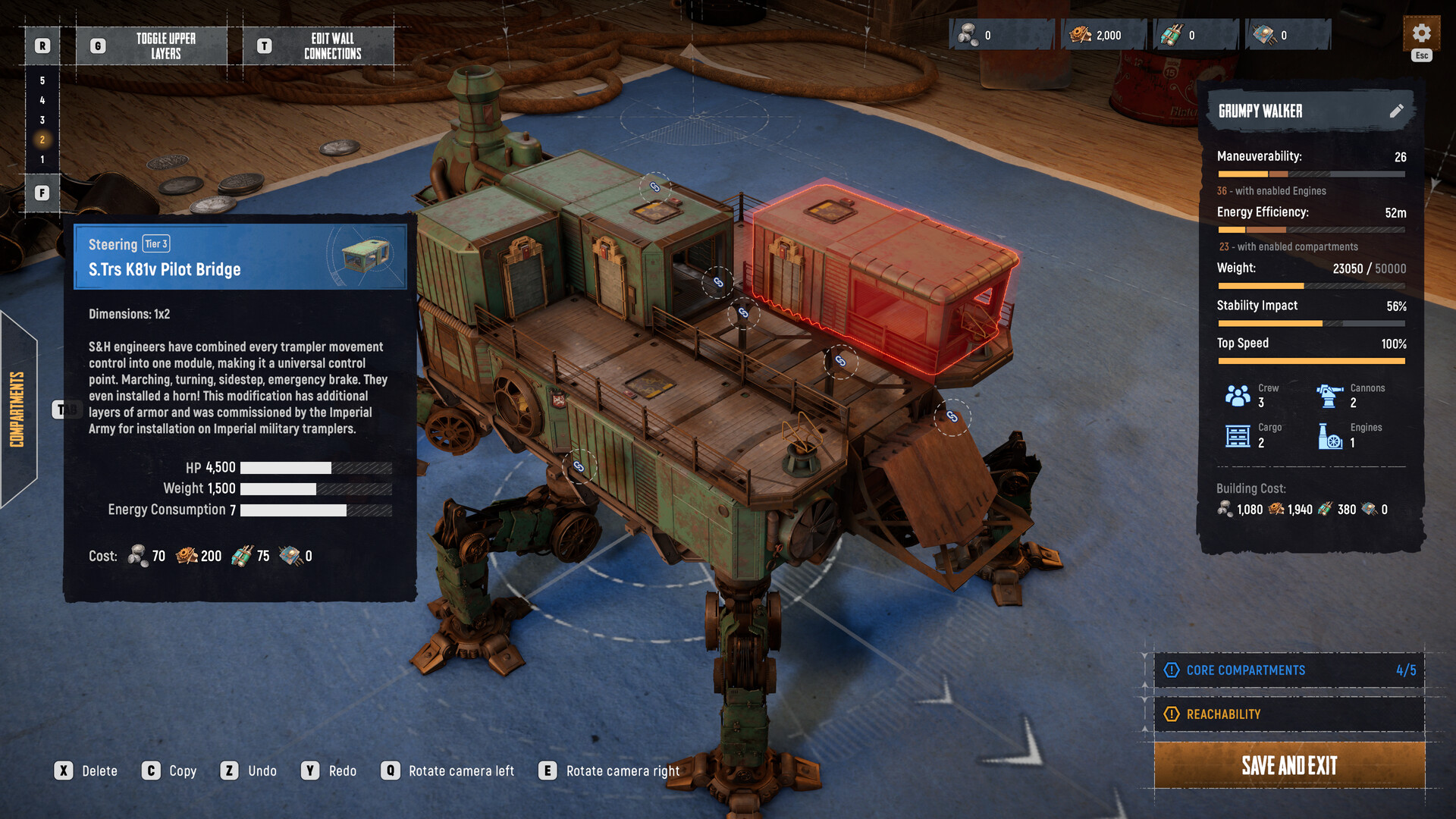
- Hide Your Reactor: The most critical vulnerability on any Trampler is the reactor. Prioritize a compact, modular design that buries the reactor behind heavy armor plating. A fast, maneuverable build often outlasts a sluggish, heavily armored tower build when dodging incoming artillery.
- Target Enemy Mobility: If a rival crew pushes your green smoke, do not aim center-mass. Focus your cannons on the enemy Trampler's legs. Immobilizing them strips their ability to board you or evade your counter-fire. Once they are grounded, shift fire to their main cannons.
- Prepare for Boarders: Desperate players will abandon their mechs and use time bombs to breach your hull. Keep your crew armed and watching the blind spots.
- Carry Backup Parts: Always keep a stash of orange scrap metal (mechanical parts) in a secure shelf. If a rival blows off a critical component during the defense phase, you can quickly rebuild it before the aircraft arrives.
Loot Management and On-Foot Extraction Points Planet of Sophie
Sometimes, the defense fails. Your Trampler is blown to pieces by a rival crew, and your mobile fortress collapses into the dunes. Do not immediately disconnect. You can still utilize extraction points planet of Sophie on foot, though your hauling capacity will be severely handicapped.
If your Trampler is destroyed, immediately sift through the wreckage. You can only extract with the gear inside your personal character inventory and a single carried item. Grab the highest-value asset you can physically carry.
High-Value Extraction Target List
When deciding what to bolt down to your Trampler shelves or carry out on foot, prioritize these items:
| Item | Value / Use | Extraction Priority |
|---|---|---|
| Black Box | 500 Crowns; Tech Tree Unlocks | Critical |
| Orange Scrap Metal | Rebuilding destroyed Trampler parts | High |
| Green Radio Beacon | Faction reputation and specific quests | High |
| Upior Artifacts | High-tier crafting materials | Medium |
| Standard Scrap | Basic hull repairs | Low |
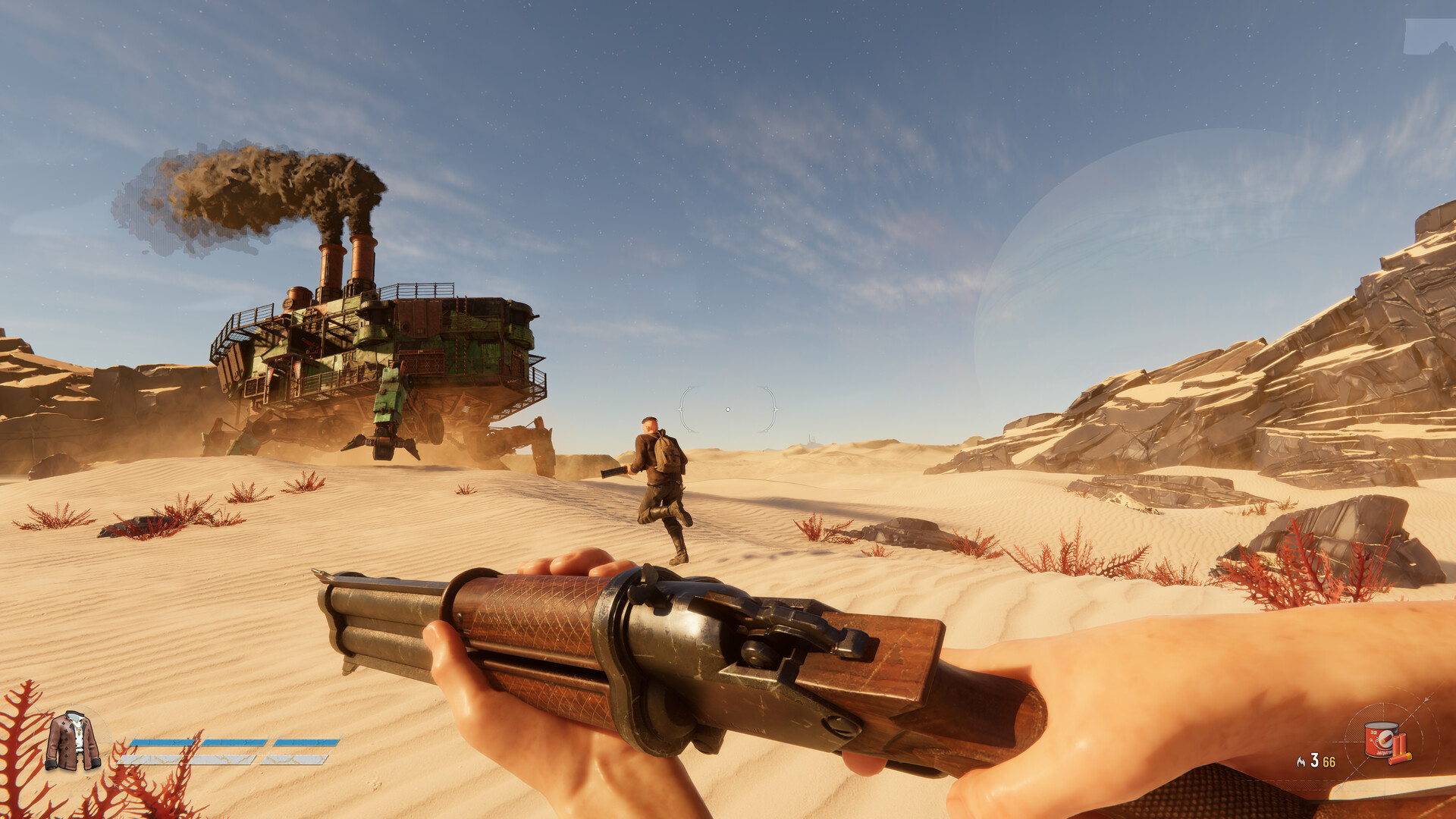
Sneak your way to the active extraction site, climb the standing radio tower, and call the ship. Because you do not have a Trampler emitting green smoke, an on-foot extraction is significantly stealthier. You still have to survive the two-minute wait, but you can hide in the ruins rather than defending a massive, smoking mech.
FAQ: Extraction Points Planet of Sophie
Why is the extraction radio button greyed out? A greyed-out prompt means a condition has not been met. Either your Trampler is parked slightly outside the designated pickup area (look for the "reach the radio" UI ribbon to confirm placement), or you are playing Storm Dive mode and the storm has not contracted enough to activate the exits.
Can you extract on foot without a Trampler? Yes. If your Trampler is destroyed or you abandon it, you can still climb the radio tower and call the aircraft. However, you will only keep the items in your personal inventory and one heavy item carried in your hands, such as a Black Box.
What happens if I get killed while holding the extraction rope? Until the extraction animation fully triggers and pulls you out of the instance, your character is vulnerable. If a sniper hits you while you are climbing the rope, you will die, drop your personal inventory, and lose the match.
Do extraction points move during a match? In Voyage mode, the locations are static and persistent. In Storm Dive mode, the available extraction zones are dictated by the shrinking sandstorm, meaning the viable exits will shift toward the center of the map as the match progresses.
What happens to loot left on the Trampler deck? Any loose items dropped on the floor of your Trampler will be lost during extraction. You must physically place all loot into storage boxes, onto shelves, or inside specific cargo modules before climbing the radio tower.