If a game-breaking bug on Elapse Island has halted your progress, finding the save file location Moon River relies on is the only way to rescue your playthrough. Indie developer BadAlias released a specific set of Emergency Save Files in Update 1.6 to help players bypass hard-locks and collision glitches. To use them, you must navigate to your local game directory, locate the core data folders, and overwrite your corrupted .rpgsave files with the downloaded replacements.

This guide breaks down the exact directory paths, the structural differences between the downloadable PC release and the browser-based itch.io version, and how to safely restore The Mariner’s journey without permanently losing your hard-earned progress.
Why You Need the Save File Location: Moon River Update 1.6
Moon River is an atmospheric, minimalist RPG Maker experience centered on exploration. As The Mariner, players navigate the shadowy, desolate environments of Elapse Island, solving light puzzles and uncovering lore. The game's core mechanic revolves around dispelling dark shadows that block the river path using specific light sources. However, the game’s intricate event triggers occasionally misfire when interacting with these environmental puzzles.
During the rollout of version 1.57, players discovered severe progression blockers. The most notorious was a no-clip error caused by tall thorny bushes, which allowed players to walk out of bounds and become permanently stuck in the collision map. Additionally, certain inventory flags failed to update, locking players out of essential late-game areas.
Because RPG Maker engines bake event states directly into the save file, simply patching the game's code in a subsequent update does not always un-stick a corrupted save. If your Mariner is trapped out of bounds, loading that save in a patched version will often leave them exactly where they were: out of bounds.
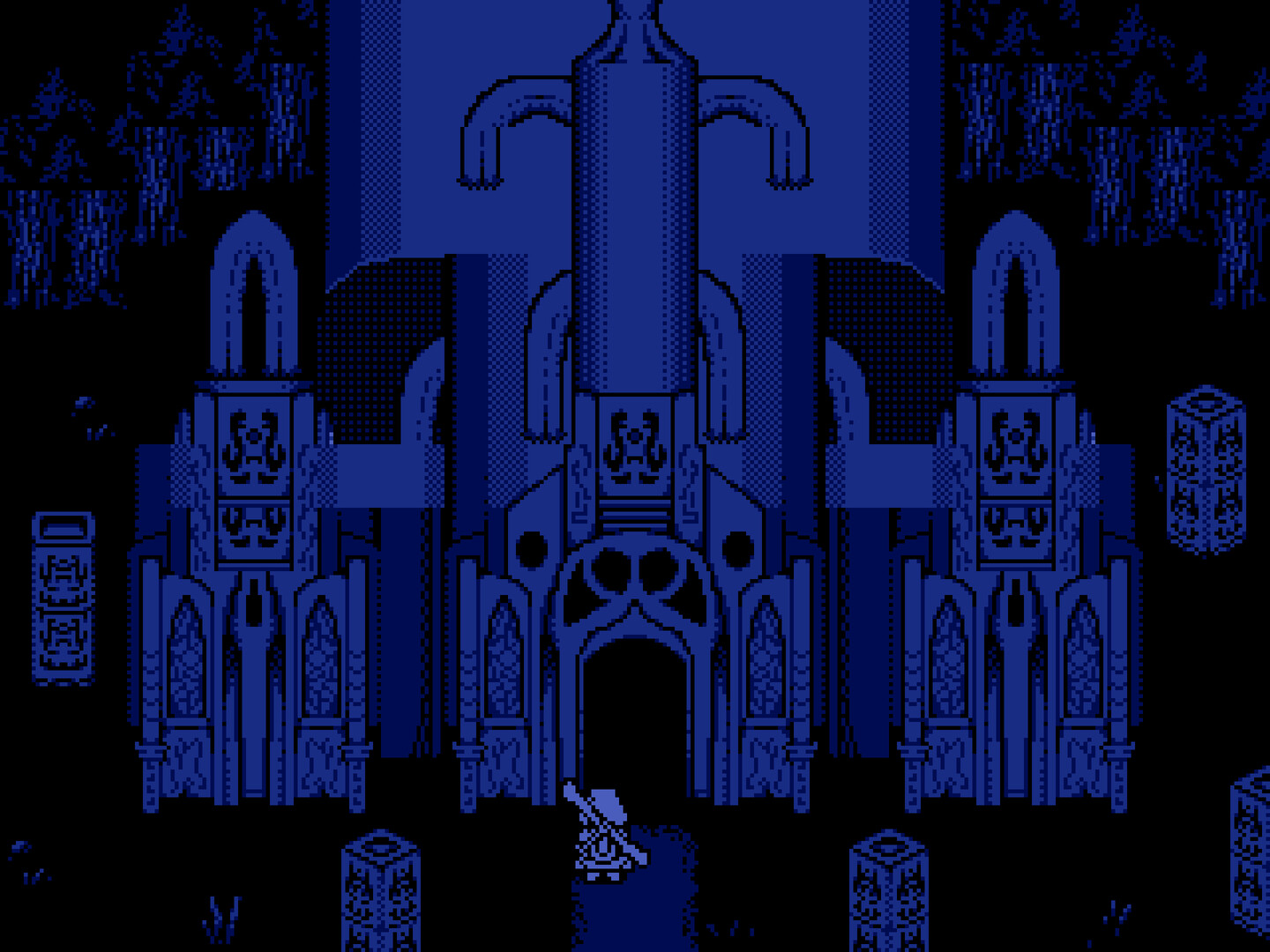
The UPDATE 1.6 PROTOCOL was a direct response to these issues, providing Emergency Fixes for The Mariner. The patch notes highlighted the Thorny Bush Glitch and item progression locks tied to the Heavy Ring. By offering Emergency Saves, BadAlias ensured players could bypass the errors, effectively shifting the community metrics from Corrupted Data 85% / Recovered 15% back to a playable state. Instead of forcing the community to replay hours of content, players could simply download a clean save stationed right after the problematic sequences on Elapse Island. As the developer, BadAlias, stated in Update 1.6, all Data extracted from official patch notes confirms the necessity of manual file management.
The Exact Save File Location Moon River Uses on PC
Unlike major AAA studio releases that dump configuration data into your Windows AppData labyrinth or the Documents/My Games folder, indie titles built on HTML5-wrapper engines keep their footprint localized. The game runs as a self-contained ecosystem.
If you downloaded the Windows executable from itch.io, the save file location Moon River utilizes is nested directly inside the folder you extracted the game into.
Here is the exact path structure for Windows:
[Your Custom Install Directory] \ Moon_River_v1.6 \ www \ save
For macOS users, the structure is slightly different. You must right-click the Moon River application, select 'Show Package Contents', and navigate through Contents/Resources/app.nw/www/save. Linux users will find the www/save folder in the same directory as the executable binary.
Inside this save folder, you will find several proprietary files. The engine generates file1.rpgsave, file2.rpgsave, and so on, corresponding directly to the slots in the game's load menu. You will also see a config.rpgsave file, which stores your volume preferences and screen resolution settings, and a global.rpgsave file that tracks game-wide achievements or persistent unlocks.
If your www folder does not contain a save directory, it means you have not yet reached a save point or manually saved the game. The engine only generates this folder upon executing the first save command.
Step-by-Step: Replacing Files in the Save File Location Moon River Generates
Injecting the emergency files requires careful file management. Overwriting the wrong slot will permanently erase your legitimate progress.
To successfully swap the files, you must first locate the main Moon River game folder on your local drive. Inside, you will need to open the www folder to access the core data, and then open the save directory to find your .rpgsave files. Before doing anything else, keep a backup of your original corrupted data. Finally, extract BadAlias's archive and replace file1.rpgsave with the downloaded emergency file.
Follow this exact procedure:
- Download the Archive: Navigate to the Moon River itch.io page and download the
Emergency_Saves.zipfile attached to the Update 1.6 devlog. - Isolate the Fix: Extract the ZIP file to your desktop. You will see several
.rpgsavefiles, usually named to indicate their place in the story (e.g., Post-Prologue, Mid-River, Heavy Ring Acquired). Rename the specific file you need tofile1.rpgsave(or whichever slot you wish to overwrite). - Backup Your Data: In your game directory, copy your current
savefolder and paste it somewhere safe. If the upcoming 2.0 update retroactively fixes the collision bugs, you may want your original playthrough back. - Overwrite: Drag the renamed emergency
.rpgsavefile into the game'ssavedirectory. Your operating system will prompt you to replace the existing file. Confirm the overwrite. - Boot and Verify: Launch the game and select the corresponding slot from the load menu. The Mariner should now be standing safely on the main path, with the necessary inventory items intact.
Note: If you have added Moon River to Steam as a 'Non-Steam Game' to use overlay features, Steam does not manage these saves via Steam Cloud. You must still perform this manual file replacement.
Can You Access the Save File Location Moon River Uses in Browser?
Many players experience Moon River directly through the itch.io HTML5 web player. While convenient, this deployment method radically changes how the game handles memory.
Understanding the DATA STORAGE ARCHITECTURE is crucial. The PC Version utilizes a straightforward Local Directory /www/save. In contrast, the Browser Version relies entirely on IndexedDB Local Storage. While the PC folder clearly displays file1.rpgsave, file2.rpgsave, and config.rpgsave, the web version obfuscates this data. This fundamental difference dictates How RPG Maker engines handle local vs browser memory.
Because the browser version sandboxes its data, you cannot simply drag and drop the Update 1.6 emergency saves into a folder. The files do not exist as standalone .rpgsave documents on your hard drive; they are encoded as base64 strings inside your browser's local cache. Furthermore, because the browser version relies on IndexedDB, clearing your browser's cache and cookies will permanently delete your Moon River save file. Using incognito or private browsing modes will also result in your progress vanishing the moment you close the window.
If you are determined to extract your browser data, you must press F12 to open Developer Tools. Click over to the Application Tab, and navigate to IndexedDB. Look for the localforage database to locate the hidden save string. From there, you can attempt to export the raw JSON data.
However, injecting the emergency PC save files back into this browser database requires writing custom JavaScript to override the engine's StorageManager.loadObject function. For the vast majority of players, this is an unnecessarily technical hurdle. If you encounter a hard-lock in the browser version of Moon River, the most practical fix is to download the PC client, install the emergency saves in the local directory, and continue your journey from there.
Frequently Asked Questions
Will the upcoming 2.0 update wipe my save file location Moon River data?
No. Developer BadAlias has confirmed that the massive 2.0 update—which introduces new side regions, expanded lore for The Mariner, and graphical overhauls—will be compatible with existing save files. However, backing up your save folder before migrating to 2.0 is highly recommended.
Do I lose my Heavy Ring of Keys if I use an emergency save? It depends on which emergency file you select. The developer provided staged saves. If you load the "Mid-River" emergency file, your inventory is pre-populated with the items you should naturally possess at that stage, including the Heavy Ring.
Why is my save folder empty?
If the www/save folder exists but contains no .rpgsave files, your antivirus software or Windows Defender may be blocking the game executable from writing to the disk. Ensure you extract the game from its ZIP archive before playing, and run it as an administrator to grant write permissions.
Can I transfer my browser save to the PC version?
Technically yes, but it requires manually extracting the base64 string from IndexedDB, converting it to JSON, packaging it as a .rpgsave file, and dropping it into the PC directory. It is a highly technical process prone to data corruption.
Sources
- BadAlias. "Update 1.6 Released + Emergency Save Files." itch.io Devlog, October 2025.
- BadAlias. "2.0 Update Announcement." itch.io Devlog, June 2026.
- RPG Maker Web Documentation. "StorageManager and Save Data Architecture."