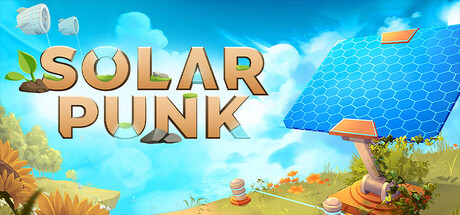
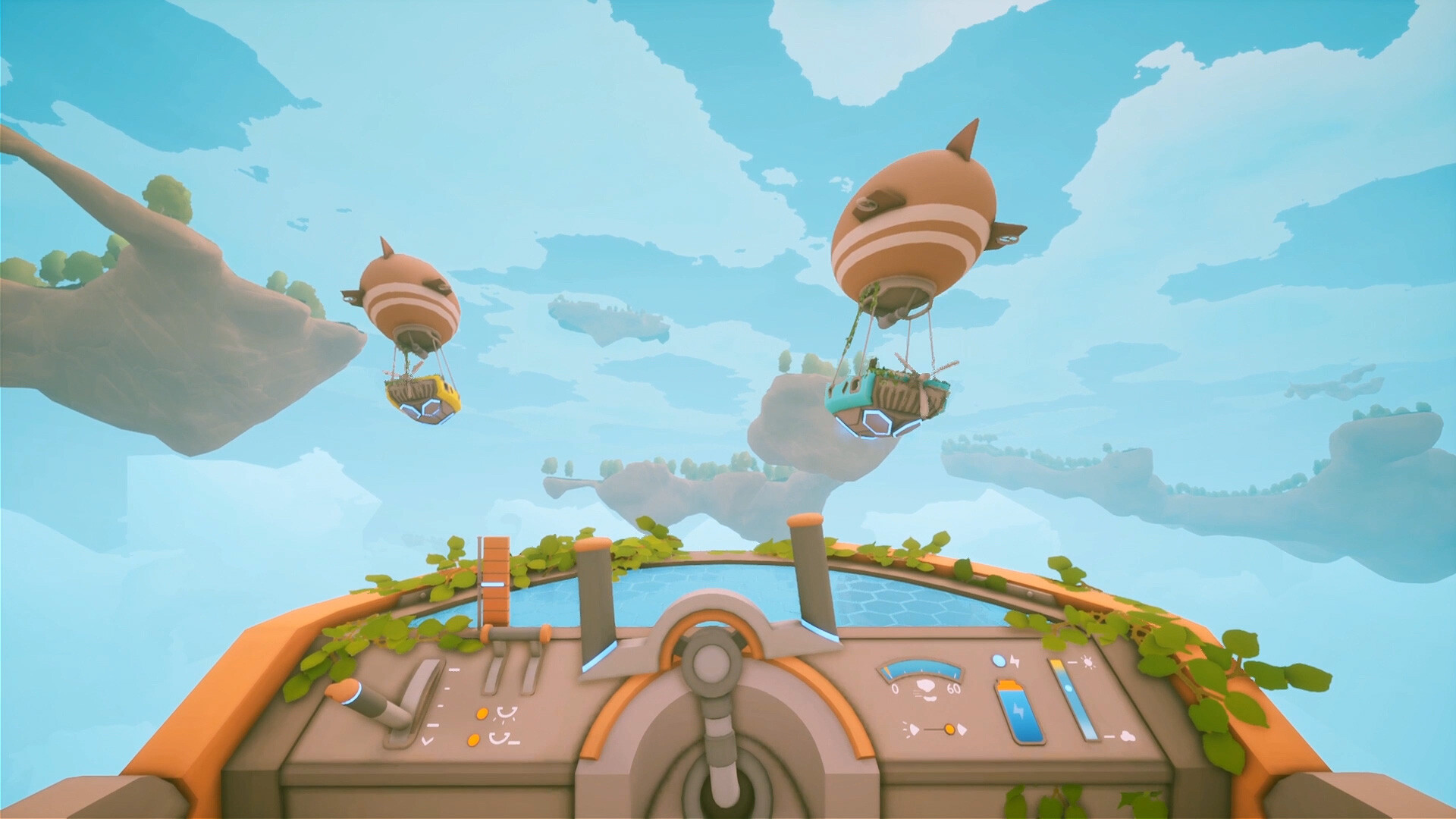
The launch of Solarpunk on June 8, 2026, marked the end of a four-year development cycle that saw the indie title rack up over a million wishlists. Developed by the two-person team at Cyberwave and published by rokaplay, the game actively rebels against the punishing mechanics of traditional survival crafting. There are no starvation meters demanding constant attention, no aggressive nocturnal predators tearing down your walls, and no bleak, irradiated landscapes. Instead, players are handed an axe, a pristine floating sky island, and a mandate to build a sustainable utopia powered by wind turbines and solar panels.
But the moment a survival game promises a cooperative sandbox, the community immediately asks the same logistical question: how does the multiplayer actually work? When you invite three friends to spend forty hours constructing an automated farming empire and a fleet of customizable airships, the technical architecture of the save file dictates everything. Who keeps the loot? Who gets the achievements? And what happens when the person who owns the world goes on vacation? Solarpunk uses a very specific host-based system, and if you do not understand the rules of shared progress before you start planting seeds, your crew is going to run into frustrating bottlenecks.
The Architecture of Cozy Co-op
Unlike massive multiplayer survival titles that rely on always-online dedicated servers—think Rust or Ark—Solarpunk utilizes a traditional host-based peer-to-peer model. Built on Unreal Engine 5, the game is designed around small, intimate groups rather than sprawling server populations. This means that the entire world state lives exclusively on one player's local hard drive.
When the designated host player shuts down their game, the sky island goes offline for everyone. Guests do not download a synchronized copy of the world to their own machines, nor can they log in independently to harvest crops while the host is offline. They are simply logging into the host's active instance via Steam's networking backend. This design choice makes perfect sense for a two-person development team prioritizing a cozy, low-stress environment over complex server infrastructure. However, it fundamentally changes the social dynamic of your playthrough. You are not co-owners of a persistent realm; you are visitors in the host’s domain. If you are planning a massive, multi-week project to automate your sprinkler systems and resource gathering, you need to designate your most reliable, frequently online friend as the host before anyone chops down a single tree.
The "Shared Progress" Toggle: The Most Important Checkbox
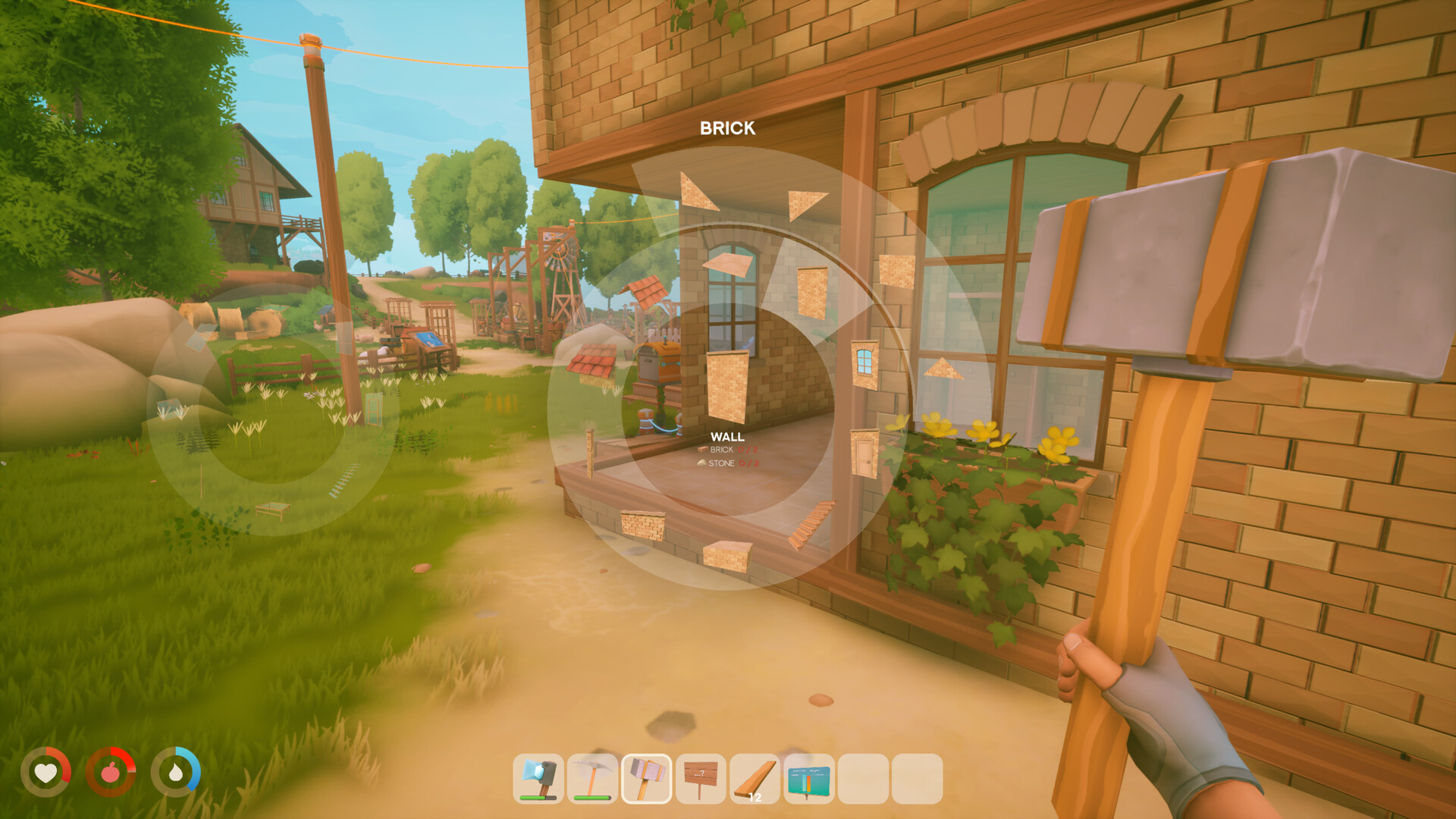
When the host clicks "New Game" and begins generating a fresh world, they are presented with a crucial settings menu. Among the difficulty modifiers and world names sits the "Shared Progress" toggle. This single checkbox is the most consequential decision you will make regarding your cooperative playthrough, as it dictates exactly how technology and unlocks are distributed among the group.
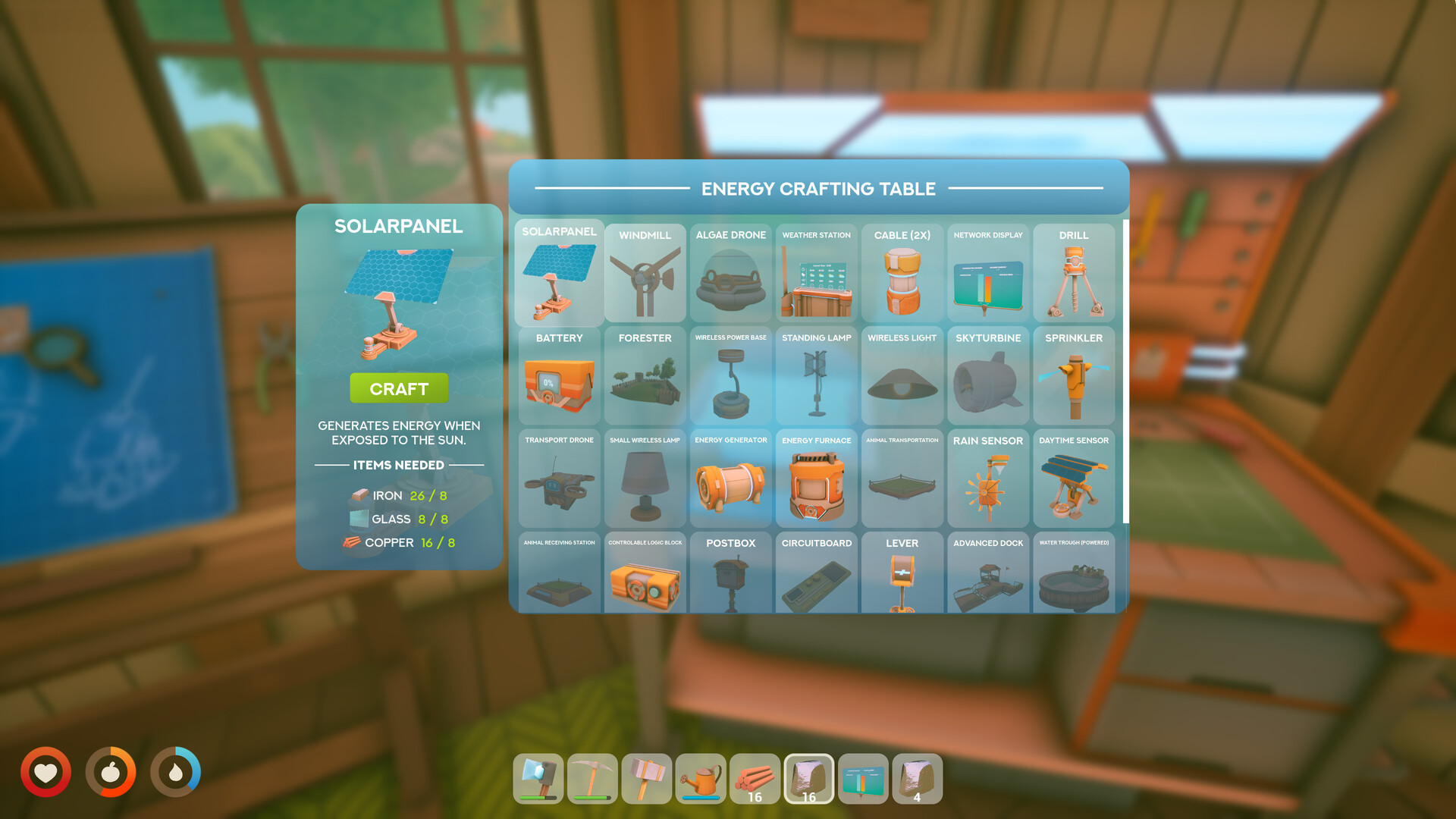
If "Shared Progress" is enabled, the game treats the entire party as a single collective entity when it comes to technological advancement. Any blueprint unlocked at the research table by one player instantly triggers a notification on everyone else's screen, granting the entire server access to that new crafting recipe. Similarly, interactions with the traveling merchant are synchronized, meaning that once a tier of goods is unlocked, anyone can purchase them.
If the host leaves this toggle disabled, progress becomes heavily fragmented. A guest might spend hours gathering materials to unlock a crucial airship component at the research table, but the host and other guests will remain locked out of that blueprint. This leads to tedious bottlenecks where only one specific player is allowed to craft essential items, forcing the group into a rigid division of labor that quickly feels more like a shift at a factory than a relaxing sky-bound adventure. Always check the box.
The Inventory Divide: What Carries Over
Because Solarpunk relies entirely on the host's local save file, the division of what you keep and what you lose when logging out can feel somewhat lopsided for visiting players. The game does not feature a cloud-based character profile that you can freely move between different multiplayer sessions. Here is the exact breakdown of how player data is handled in the June 2026 launch build:
The World State: This is 100% retained by the host. Every wind turbine, every chest, every customized airship dock, and every piece of altered terrain is baked into the host's save file. Guests have zero ownership over the physical world.
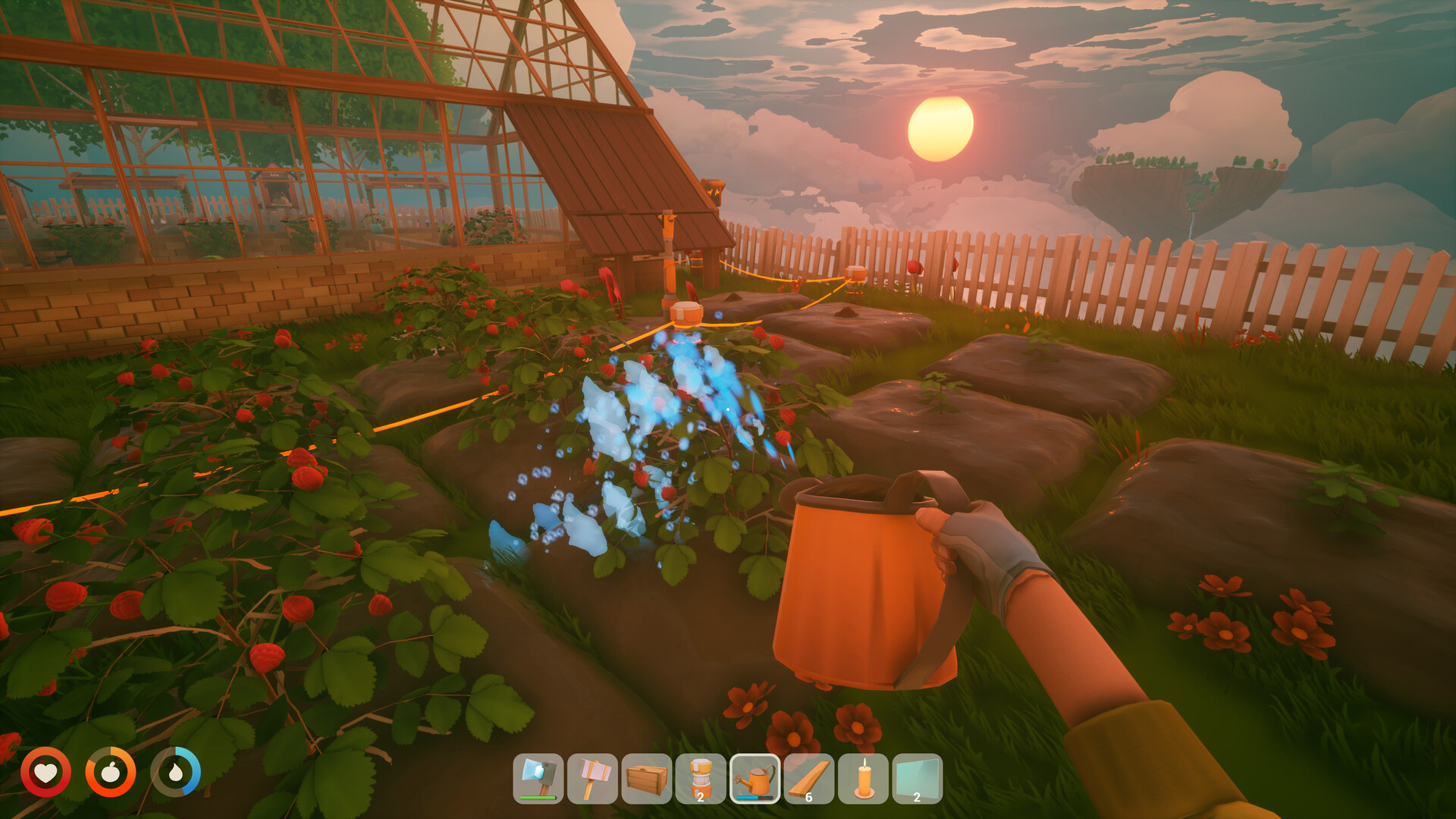
Player Inventories: When a guest logs out, their personal inventory—down to the last piece of honey bread and bottle of watermelon juice—is saved, but it is saved within the host's world file. If that guest decides to join a completely different friend's game the next day, they will spawn in with empty pockets. You cannot carry a stack of copper or a high-tier pickaxe from World A to World B. Your character's existence is permanently bound to the specific server where they were created.
Steam Achievements: As is common with indie co-op titles at launch, achievements are notoriously finicky. During the initial release window, many players reported a host-only bug regarding major milestones. While the host player will reliably trigger Steam achievements for building structures or exploring new biomes, visiting players often receive nothing for participating in the exact same activities. Cyberwave has acknowledged this as a known issue and is actively investigating a fix, but achievement hunters should be aware that playing as a guest currently offers zero gamerscore progression.
The Trader Loophole
While the host-based system restricts a lot of player freedom, there is one specific area where the game's quirky multiplayer logic actually works in your favor: the traveling merchant.
In Solarpunk, the merchant arrives periodically to offer rare goods, seeds, and advanced components that are difficult to craft manually. In a perfectly synchronized game, the merchant’s limited stock would be shared across the server—if the host buys the only available advanced sprinkler system, it should be sold out for everyone else. However, players have discovered that the merchant often tracks trade quotas and purchases on a per-player basis rather than a per-world basis.
This oversight is incredibly lucrative. It allows the host to buy out the merchant's entire limited inventory, only for a guest player to walk up to the exact same NPC and find a fully restocked shop tailored specifically to their character. By pooling your resources and trading cash to different party members, a coordinated group can effectively double or triple the amount of rare materials they acquire during a single merchant visit. It is a minor exploit, but in a game about maximizing efficiency and automating your island, it is a highly effective strategy.
Step-by-Step: Launching the Multiplayer Session
Getting your crew onto the same floating island is refreshingly simple. Because Solarpunk integrates directly with Steam's friend system, there is no need to rent third-party servers, mess with IP addresses, or configure port forwarding. The entire process takes less than two minutes.
First, the host must launch the game and fully load into their existing save file. You cannot initiate a multiplayer lobby from the main menu. You must physically spawn your character into the world first. Once your character is standing on the island, press the ESC key to bring up the pause menu. From there, click the prominent "Host Game" button. This action seamlessly transitions your local, offline session into an active multiplayer instance.
Finally, use the Steam overlay or the in-game social menu to send direct invites to your friends. Once they accept the Steam invite, they will bypass the main menu and drop directly into your world, ready to start chopping trees and organizing chests.
The Reality of Tethered Survival
Solarpunk succeeds brilliantly at offering a low-stakes, highly creative sandbox that genuinely respects the player's time. The lack of cross-play and dedicated server support at launch might frustrate hardcore survival veterans who are accustomed to 24/7 persistent realms where factions can war while the leader sleeps. But Solarpunk is not trying to be Rust.
For a two-person development team, the host-based peer-to-peer system is a stable, sensible choice that perfectly fits the game's intimate, cooperative design philosophy. It forces players to actually play together, communicating about resource allocation and sharing the joy of discovery in real-time. Just remember to double-check that "Shared Progress" toggle before you start building, and make sure your designated host does not go completely off the grid right when you need to finish constructing your first airship.
Sources
- GAMES.GG: Solarpunk Multiplayer Guide (June 2026)
- Steam Community Discussions: Solarpunk General Discussions & Bug Reports
- Cyberwave Official FAQ and Patch Notes